ChatGPT can help teachers to make faster lesson plans, write rubrics, write quizzes, give differentiated examples, create feedback outlines, send parent emails, and create classroom resources. It should not replace teacher judgment, grading responsibility, student privacy rules, or school AI policies. The best workflow is to use ChatGPT as a planning assistant, then review, adapt, and verify everything before using it with students.
Classroom safety note: Use district-approved tools where possible, avoid entering identifiable student data into consumer chatbots, and review AI-generated materials before sharing them with students or parents.
For adjacent reading, see Best AI tools for teachers, Gemini for students, and Will AI replace teachers?.
That said – if you haven’t built this into your routine yet, you’re probably spending more hours than you need to on things AI can draft in minutes. Let’s fix that.
Can teachers use ChatGPT in 2026?
Yes, and pretty comfortably. ChatGPT has moved well past the “experimental tech toy” phase for most educators. The real question now isn’t can you use it – it’s where it genuinely helps and where it falls flat.
In short, use it for planning, drafting, and communication support. Do not use it as a substitute for your professional judgment or as the sole evaluator of student work. Always check your school or district’s AI policy first – some have specific guidelines about which tools are approved, especially when student data is involved.
And if you’re curious how students are using it (they are), this guide on ChatGPT for students in 2026 is worth a read alongside this one. If your students are also exploring Google’s tools, Gemini for students covers that side of things.
What can ChatGPT do for teachers?
A lot, honestly. Here’s a quick overview of where it actually saves time:
| Teacher Task | ChatGPT Use | Example Prompt | Teacher Review Needed |
|---|---|---|---|
| Lesson plans | Draft full unit or daily plan | “Create a 5-day lesson plan on photosynthesis for 7th grade.” | Yes – check accuracy, pacing, standards alignment |
| Rubrics | Generate draft criteria | “Write a rubric for a persuasive essay, grades 9–10.” | Yes – adjust weighting and language |
| Quizzes | Generate questions by type | “Create 10 multiple choice questions on the American Revolution.” | Yes – check for errors, difficulty, bias |
| Differentiated instruction | Variations for different learners | “Rewrite this task for a student reading 2 grades below level.” | Yes – verify it meets student needs |
| Feedback comments | Phrase suggestions | “Give 5 ways to say ’lacks evidence’ constructively.” | Yes – personalize before sending |
| Parent emails | Draft communication | “Draft an email to parents about an upcoming project, friendly tone.” | Yes – add specifics, review tone |
| Classroom activities | Brainstorm ideas | “Give me 3 warm-up activities for a class starting poetry.” | Yes – adapt to your students |
| Study guides | Structured summaries | “Create a one-page study guide on the water cycle for 6th grade.” | Yes – verify content accuracy |
| Accommodations brainstorming | Modification ideas | “Suggest accommodations for a student with ADHD on a written assessment.” | Yes – consult IEP/504 documents |
| Admin documentation | Draft meeting notes, summaries | “Turn these bullet points into a professional meeting summary.” | Yes – confirm all facts |
One thing worth noting: ChatGPT is genuinely good at first drafts. It’s not good at knowing your specific students, your school culture, or the nuances of what you taught in class last Thursday. That gap is your job to fill.
For a broader comparison of AI tools across different classroom contexts, check out the best AI tools for teachers in 2026.
Is ChatGPT free for teachers?
This is where plan details matter. OpenAI has offered education-focused plans for verified teachers and institutions, but availability, verification rules, and free access windows can change by country and date.
If an education plan is available to you, verify eligibility through the current provider instructions and confirm whether teachers, staff, administrators, or district leaders are covered. Student access is usually handled separately.
If you work outside the covered region or in higher education, you may need an institutional plan, a school-approved account, or an individual paid plan. Check the current plan page and your institution’s guidance before choosing.
Consumer accounts may have lower usage limits and fewer administrative controls than education or business plans, so avoid entering identifiable student data unless your school has approved the setup.

ChatGPT prompts for lesson planning
Good prompts are specific. The more context you give ChatGPT, the less editing you’ll do afterward.
- Full unit plan: “Create a 10-day persuasive writing unit for 8th grade 50-minute classes. Add learning objectives, activities for the day, and a summative assessment idea.”
- Individual 45-min lesson: “Write a 45-minute lesson plan on fractions for 4th graders. Include a hook, direct instruction, guided practice, and exit ticket.”
- Standards-aligned lesson: “I’m teaching to this standard: [standard text goes here]. Develop a one-day plan that directly engages it for grade [grade level].”
- Differentiated version: “Here is one task I am using with my class: [paste task]. How I would write it at two levels, one for students two years below grade and one for students who are advanced.”
- Warm-up/exit ticket pair: “Create a warm-up and matching exit ticket for a lesson on the causes of World War I for 10th grade.”
A few practical notes: always include grade level, time constraints, and any relevant standards or curriculum context. Generic prompts produce generic output. Also, if you’re newer to prompting in general, this beginner’s guide to using ChatGPT walks through the basics clearly.
ChatGPT prompts for rubrics, grading, and feedback
Let’s be direct about something: ChatGPT should not independently grade student work. Full stop. Grading involves professional judgment, knowledge of individual students, and accountability that belongs with you. What ChatGPT can do is help you draft the tools that support your grading.
- Rubric draft: “Develop a 4-point rubric for an 11th grade EAP research paper that is easy for students to understand (categories: thesis, evidence, organization, citations).”
- Feedback phrasing bank: “Help me with 6 different methods that I can give a student constructive criticism on their essay that doesn’t have an argument, maintaining the tone to be encouraging.”
- Checklist for peer review: “Develop a peer review checklist of 8-10 items, in student-friendly format, for a 7th-grade science lab report.”
- Working with anonymized examples: If you want to use student work as a reference, strip all identifying information first – name, class, any detail that could identify the student. A prompt like this works: “Here’s an anonymized student paragraph. What strengths does it show, and what’s one specific area to develop?” Then you adapt the feedback yourself.
The teacher review step here isn’t optional. ChatGPT will sometimes produce feedback that sounds great but misreads the actual student work or misses context you know from class.
ChatGPT for quizzes, worksheets, and study guides
This is honestly one of the highest-ROI uses. Creating quiz questions from scratch is tedious; ChatGPT can produce a solid draft in under a minute.
- Mixed-format quiz: “Create a 15-question quiz on the American Civil War for 8th grade: 8 multiple choice, 4 true/false, and 3 short answer. Include an answer key.”
- Worksheet: “Write a grammar worksheet for 6th grade for finding independent and dependent clauses. 12 practice sentences included, answer key.”
- Study guide: “Create a one-page study guide for a 5th grade test on ecosystems. Include key vocabulary, 3 main concepts, and 5 review questions.”
Quality checks to run before using any AI-generated quiz: verify factual accuracy yourself (ChatGPT does make content errors); check that difficulty is appropriate for your students; and make sure the questions actually reflect what you taught – not just what the topic broadly covers.
ChatGPT for parent emails and classroom communication
Most teachers write a lot of the same types of emails, with variations. ChatGPT is genuinely useful for speeding up this work – especially for tricky messages where tone matters.
Prompt for a project announcement:
“Draft a friendly email to parents announcing a 2-week research project starting next Monday. Include that students will need to find 3 sources at home. Keep it brief and warm.”
Prompt for a concern message:
“Help me draft a professional email to a parent about their child’s recent drop in participation. Keep the tone collaborative and non-accusatory.”
A few cautions here. Never include student names, grades, or any identifying information in your ChatGPT prompt – work from general descriptions only. Review every draft before sending; AI can produce phrasing that sounds slightly off in your school’s cultural context or with a specific family. And remember that parent emails represent you professionally – they should sound like you, not like a template.
Classroom safety, cheating, and AI detection
This is probably the section most teachers are most anxious about. Understandably.
Here’s the hard truth about AI detectors: they’re not reliable enough to use as the basis for academic integrity decisions. Independent testing found that GPTZero produced false positive rates of 23% on verified human-written essays, and correctly flagged only 67% of actual AI-generated content. That means one in three AI-written essays passed as human, and roughly one in four real student essays got incorrectly flagged. Research also shows documented biases against non-native writers.
Accusing a student of cheating based solely on a detector score is a serious problem – AI detection software has high error rates and can lead instructors to falsely accuse students of misconduct. Don’t do it.
So what actually works?
- Better assignment design. Tasks that require personal reflection, specific classroom references, or in-class observation are much harder to outsource entirely.
- Version history. Requiring students to draft in Google Docs or Word Online and reserving the right to review editing history is more reliable than any detector.
- Brief follow-up conversations. A 5-minute conversation where a student explains their argument tells you more than any tool.
- Clear, transparent AI policies. Tell students explicitly what AI use is and isn’t allowed in your class – at the start of the semester, in writing, and in person.
The goal isn’t to catch students. It’s to design learning experiences where AI assistance doesn’t undermine the actual learning. That’s a pedagogy question, not a detection question.
Privacy checklist for teachers using ChatGPT
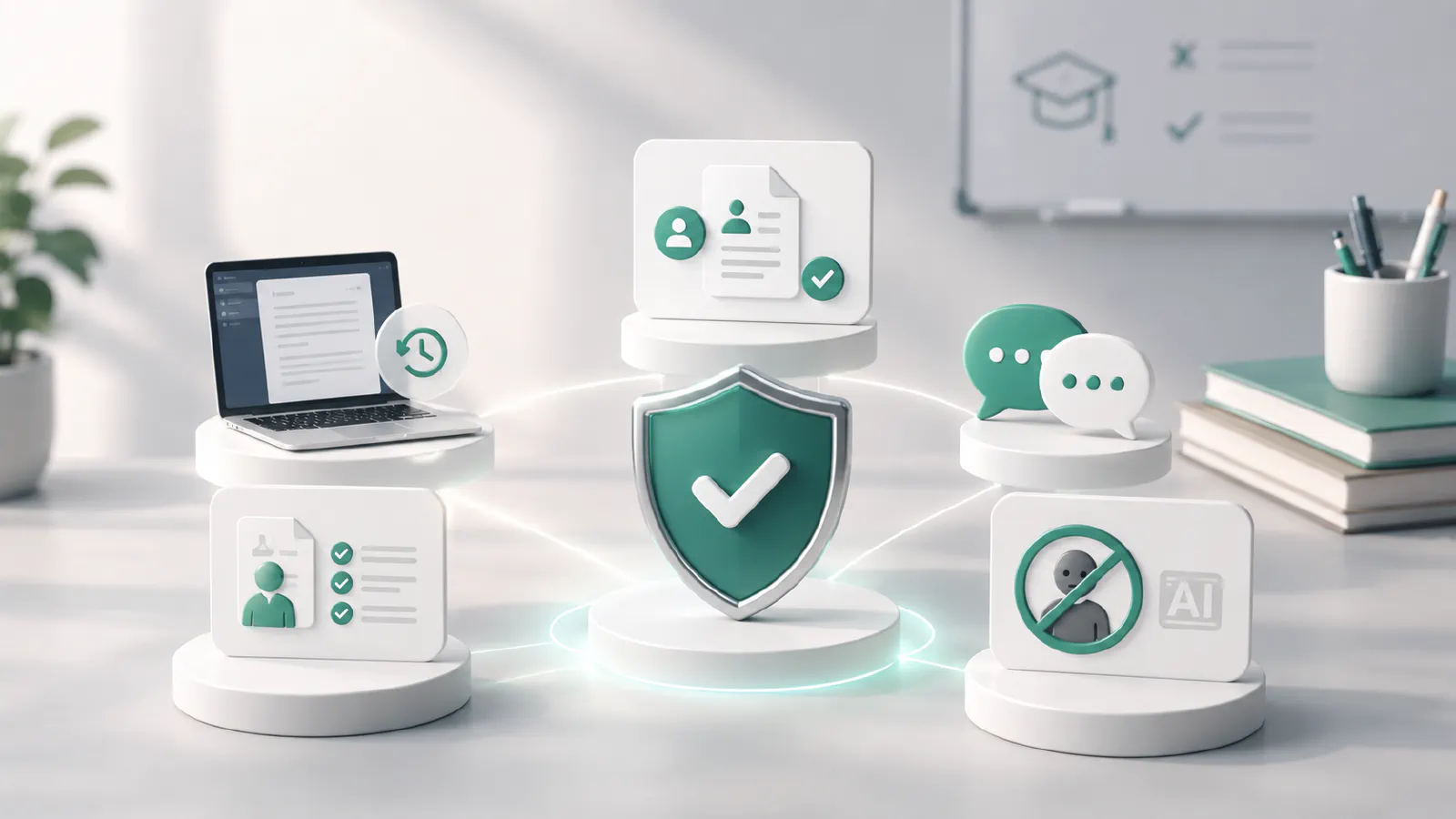
Privacy is non-negotiable. Here’s a practical checklist:
- Never upload identifiable student data. No names, student IDs, grades, or anything that could identify a specific child.
- Anonymize before prompting. If you’re using a student work sample, strip all identifying information first.
- Use a school-approved or dedicated education/business plan where available. These plans typically offer stronger admin controls, data-use limits, and security settings than consumer accounts. Verify the current terms with your school or provider before sharing any classroom data.
- Check your school’s policy. Some districts have approved specific tools; others prohibit inputting any school-related information into third-party AI tools.
- Don’t paste IEP or 504 content. These documents contain protected health and disability information.
- Review outputs before sharing. Don’t send AI-generated parent emails or student feedback without reading them carefully.
No article can give you legal compliance advice on FERPA, COPPA, or GDPR – that’s a question for your school’s administration or legal team. But the practical rule is simple: if you’d hesitate to write that information on a public whiteboard, don’t put it in a ChatGPT prompt.
ChatGPT Plus vs team/education plans for teachers
For K–12 teachers with access to an approved education plan: Start with the school-approved option rather than a personal account. Education plans can provide stronger administrative controls, shared workspaces, and clearer data-use rules, but you should verify the current terms before using them with classroom data.
For teachers without an institutional plan: A standard paid individual plan may provide higher limits and access to stronger models, but it should still be treated as a personal productivity tool unless your school approves it for classroom data.
For school or district-wide rollout: Use an institution-managed plan with admin controls, procurement review, and privacy review. District-wide deployment should not rely on individual teachers making separate account decisions.
If you’re exploring how ChatGPT fits into a broader school AI strategy, this overview of AI tools for education in 2026 covers the landscape well.
Final recommendation
Use ChatGPT for the parts of your job that are time-consuming but not the actual teaching: drafting plans, writing rubric frameworks, generating quiz questions, phrasing feedback, and composing routine communications. Review everything. Add your professional judgment. Keep student data out of it entirely.
If your school offers an approved education plan, start there instead of a personal account. It gives you a clearer policy basis for classroom use and usually stronger controls than the general free tier.
The teachers getting the most out of AI right now aren’t the ones who treat it as fully reliable or avoid it entirely. They’re the ones who’ve gotten specific about what it’s actually good for in their workflow. If you want a structured way to build that fluency, the 28-day AI challenge is a practical option worth looking at.
AI is unlikely to fully replace teachers – but it will keep shifting what the job looks like. Better to understand the tool on your own terms.
Frequently Asked Questions