Three assignments due on Friday and a reading list that keeps growing. You watch classmates pull out their laptops mid-study session and ask ChatGPT something, and you wonder if you’re missing out. Or you tried it once for brainstorming but weren’t sure if it was allowed or if you were using it right.
ChatGPT has become a standard study tool across education levels, but most students don’t use it to its full potential and sometimes use it in the least valuable ways. For example, they ask it to write the essay and skip the thinking, which is the part that makes knowledge stick.
This guide covers what ChatGPT is genuinely good at, which tasks need a different approach, and how to use it in a way that improves your work without replacing your thinking.
What Are the Typical Problems Students Try to Resolve With AI and ChatGPT Specifically?
Knowing what you’re actually trying to solve is the first step in using the tool well.
A few patterns show up consistently across student research and self-reports.
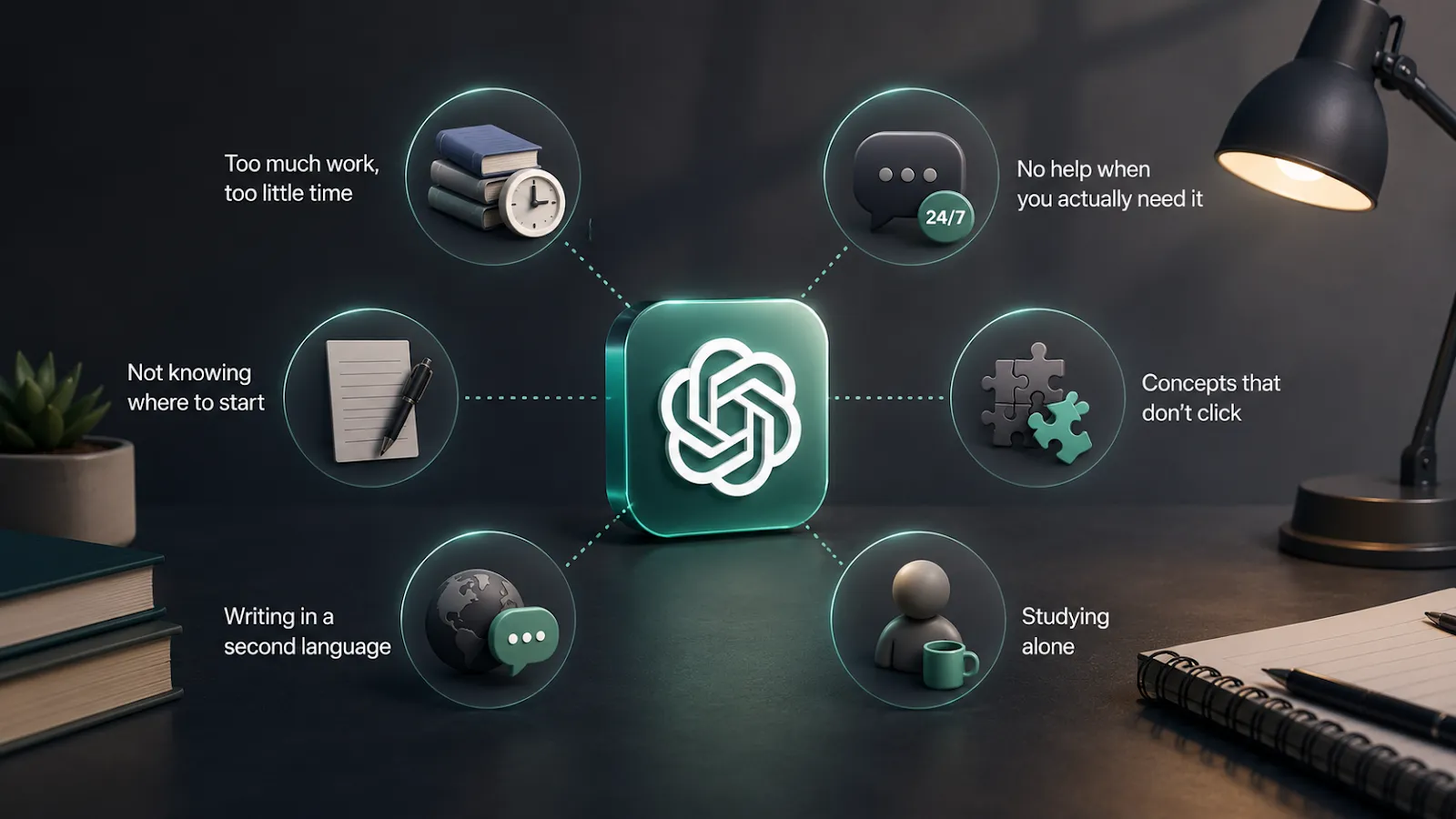
Too much work, too little time. Heavy reading lists, multiple deadlines, and often a job on the side. ChatGPT becomes a way to compress workload, but that often means skipping the thinking that builds understanding.
No help when you actually need it. Office hours are at 2pm Tuesday, your problem set is due Wednesday morning, and the TA’s reply window is 48 hours. ChatGPT is awake at midnight, doesn’t get tired of being asked the same thing five times, and isn’t going to make you feel stupid for not understanding.
Not knowing where to start. Blank pages, open-ended essays, unclear topics. ChatGPT helps you get over the hardest step: starting.
Concepts that don’t click. When the lecture and the textbook explained it the same way and you’re still stuck, ChatGPT gives you the explanation in a different shape. Sometimes the new shape is what you needed.
Writing in a second language. Non-native speakers carry a writing cost native speakers don’t. ChatGPT closes some of that gap as a grammar editor and phrasing assistant, particularly for academic writing where the conventions are unfamiliar.
Studying alone. It’s 11pm, the library has closed, your study group fell apart in week three, and you’re stuck on something you’d ask a classmate about if there were any classmates around. ChatGPT isn’t a real study partner, but it’s something to think out loud at.
How Often Do Students Use ChatGPT?
Usage is now near-universal in many programs. In 2025, undergraduate ChatGPT use crossed 80% across surveys at US and European universities. The most common uses are getting feedback on writing, working through a concept that didn’t land in lecture, and turning notes into study materials. The interesting question is no longer whether students use it.
How they use it matters more than whether.
Does AI Help Students Learn Faster?
Yes, faster, but often at the cost of learning deeper.
ChatGPT-assisted students complete tasks significantly quicker — 3.2 hours vs. 5.8 hours in Barcaui’s RCT — and score better immediately after assignments.
But faster does not mean better learned. In Barcaui’s 45-day delayed test, ChatGPT users scored 5.75/10 versus 6.85/10 for traditional learners. An MIT Media Lab study from June 2025 ran EEGs on 54 students writing essays in three conditions: with ChatGPT, with Google, and with no tools. The ChatGPT group showed the weakest neural connectivity across the bands tied to memory and engagement, and most struggled to accurately quote their own essays a few minutes after writing them. They produced clean prose. They did not retain it.
Benefits only hold when use is structured and guided, rather than passive. If you are comparing study assistants beyond ChatGPT, see how Grok for students handles homework help, exam prep, coding, thesis feedback, and citation risk.
Can ChatGPT Replace Tutors or Teachers?
No, and the research on this point is consistent.
A September 2025 review of 42 empirical studies found that AI cannot replace teachers in assessment. LLMs perform well on closed-ended tasks but struggle with open-ended, subjective work that requires contextual judgment.
On reliability, the picture remains equally sobering: the 2026 SafeTutors benchmark — testing 11 LLMs across math, physics, and chemistry — found that every model exceeded a 60% harm rate on at least five pedagogical risk dimensions, with failure rates rising from 17.7% to 77.8% in multi-turn dialogue.
AI tutoring systems show strong results in personalized learning and save time, but they lack the emotional intelligence that defines great teaching.
A teacher knows when a student stops asking questions because they’ve understood, and when they stop asking because they’re embarrassed. They notice the student who suddenly disengages mid-semester, and they handle that conversation differently from a conversation about a wrong answer.
ChatGPT does neither. Teachers make ethical calls and navigate complex classroom dynamics in ways code cannot replicate.

Best ChatGPT Use Cases for Students
The use cases below deliver results when you frame the request well. The prompt library further down has copy-paste prompts for each.
Homework Help With ChatGPT
The mistake students make is asking for the answer. Ask for the method instead, with a worked example on a similar problem you can study before going back to your own.
Essay Brainstorming and Outlining
Use ChatGPT to expand your thinking before you write, not to write for you. The strongest move is asking for angles you have not considered, then choosing one yourself.
Research Support and Topic Ideas
ChatGPT is reliable for identifying subtopics and search terms, not for actual citations. Use Perplexity or Consensus when you need real sources. (More on the citation problem in the mistakes section.)
Summarizing Lecture Notes
Paste your notes and ask for a structured summary. The output doubles as a diagnostic: anything ChatGPT struggles to summarize is a sign your notes did not capture that part clearly enough.
Creating Study Guides
A full-topic study guide from a syllabus takes minutes. Treat the output as a starting point, not a final document.
Flashcards and Quiz Generation
Flashcards work as a study method, but the time cost of making them is why most students skip the step entirely. ChatGPT removes that cost: 50 cards in the time it takes you to handwrite five, formatted for Anki or as a plain list. You lose the small learning benefit of writing the cards yourself, but you keep the much bigger benefit of actually using flashcards to study.
Exam Preparation and Practice Questions
One of ChatGPT’s strongest uses. You can specify the difficulty, the question format, and which topics to weight more heavily. The closer your description matches your actual exam, the more useful the output.
Explaining Difficult Concepts in Simple Language
When the textbook explanation did not land, ChatGPT can give you an analogy to something you already understand. The trick is telling it what you do understand. “Explain this like I already know X” produces sharper output than “explain this like I’m five.”
Language Learning and Writing Improvement
For non-native speakers, ChatGPT works as a targeted grammar editor. The risk is that it rewrites your voice along with your errors. Tell it to fix only what is wrong and leave the rest alone.
Coding Help for Students
Ask for an explanation before asking for a fix. Understanding why your code is broken matters more than receiving a corrected version that you cannot modify yourself. The same approach works for code you did not write but need to use.
Math Problem Support
Same logic as homework: ask for the method, not the answer. ChatGPT can also generate similar practice problems at the same difficulty level, which transfers better than a single solved example.
Time Management and Planning
Give ChatGPT your deadlines, available hours, and other commitments, and ask for a weekly plan. Two minutes of input produces a usable starting schedule. You will still need to adjust it as the week shifts.
Best Prompts for Students Using ChatGPT
The framing consistently determines the quality of the response. The prompts below are organised by use case so you can copy whichever one fits the task you’re on. Anything in [brackets] is a placeholder you fill in.
Prompts for Homework Help
The prompts that actually help you learn share one feature: they keep ChatGPT from doing the thinking for you.
- I’m studying [topic] and I’m stuck on [specific concept]. Explain it assuming I already understand [related concept]. Then give me one practice problem similar to mine, walked through step by step, but don’t touch my actual problem.
- Here’s the problem I’m working on: [paste]. Before solving anything, list the concepts I’d need to understand to do this myself. Then ask me which one I’m shakiest on.
- My answer to this is [your answer]. Walk me through whether my reasoning holds up. If it doesn’t, point to where it breaks down, but hold off on giving me the correct answer until I’ve had another shot.
Prompts for Essay Writing
The strongest use is earlier than most students try, at the angle stage rather than the drafting stage.
- My essay topic is [X]. Give me 5 different angles I could take. For each angle, name the strongest argument and one counterargument I’d need to address. Skip the essay itself.
- Acting as a writing coach, here’s my thesis: [X]. What are 3 structural options for building an argument that supports it? Tell me which one is strongest and why.
- Here’s my draft: [paste]. Find the weakest paragraph. Explain what’s wrong with it and how to strengthen it without changing the argument.
- Read this intro: [paste]. Based on what it sets up, what argument does the rest of the essay need to deliver? What would feel like a letdown given this opening?
Prompts for Research and Topic Ideas
ChatGPT works as a map-maker for research, not a librarian. Use it for the territory; find sources yourself.
- I’m writing a paper on [topic]. What are the 5 most important subtopics? For each, give me 3 search terms I can plug into Google Scholar or Perplexity.
- I’m exploring [topic] for a research paper. What are the main schools of thought? Name 2 to 3 leading scholars usually associated with each.
- My working thesis is [X]. What are the 3 strongest objections an academic reviewer would raise, and what evidence would I need to address each one?
Prompts for Summarizing Text
Summarising prompts work best when you tell ChatGPT what to keep, not just what to cut.
- Summarise this article in 3 bullets. Hold on to the numbers and the examples that matter: [paste].
- Here are my notes on [topic]: [paste]. Pull out the 5 most important points. Flag anything that looks exam-worthy.
- Read this chapter: [paste]. Tell me the 5 concepts most likely to show up on an exam, judging by how much space they get and how often they come back.
- Compare these two articles: [paste both]. Where do they agree, where do they disagree, and which one makes the stronger argument?
Prompts for Studying and Revision
These work best when you treat ChatGPT as the quizzer, not the explainer.
- I have an exam on [topic] in 3 days. Looking at [these notes / this syllabus], build me a revision plan that covers a different chunk each day, with the actual topics named.
- Quiz me on [topic]. One question at a time. After each answer, tell me if I got it right and what I missed if I didn’t.
- Here’s my syllabus for [course]: [paste]. Build me a study guide pulling out the key terms, the core concepts, and the topics most likely to come up on the exam based on what gets the most attention.
- I’ll explain [concept] in my own words. Tell me what I’m missing or getting wrong: [your explanation].
Prompts for Generating Flashcards
The trick with flashcard prompts is being specific about what kind of recall you want to train.
- Make me 20 flashcards from these notes: [paste]. Use Q: [question] / A: [answer]. Stick to definitions, causes, and how the concepts connect to each other.
- Build 15 flashcards on [topic] at [difficulty level]. Mix in definitions, applications, and the “why” questions that test whether I actually understand it instead of just memorising.
Prompts for Practice Exams
The closer your prompt matches your actual exam format, the more useful the practice.
- Write a 10-question practice exam on [topic] at [AP/undergrad/graduate] level. Include the answer key and a brief explanation for each answer.
- Quiz me on [topic] at [difficulty level]. I’ll answer, you score. After each one, tell me what I got, what I missed, and the bit worth going back to.
- Give me 5 essay-style exam questions on [topic]. For each, sketch out what a strong answer would cover. Don’t write the answer yourself.
Prompts for Explaining Hard Topics
When the textbook explanation didn’t land, the trick is to tell ChatGPT what you already understand so it can build from there.
- Explain [concept] using an analogy to something from everyday life. Then give me one real-world case from [my subject] where this concept actually shows up.
- I get [concept] at a basic level. Walk me into the next layer: the nuances, the exceptions, the things an intro explanation skips over.
- I read this and still don’t get [specific part]: [paste]. Explain just that bit a different way.
How Can ChatGPT Be Used for High School Students?
High schoolers carry a specific pressure stack: AP and IB exam prep on top of coursework, with college applications running alongside both. Two use cases are specific to this level.
College Application Essay Brainstorming and Feedback
The right use of ChatGPT is asking it to surface life moments that could anchor a strong essay, then asking it to identify what is working, what is weak, and what would make the draft more memorable.
But do not let ChatGPT write the essay itself.
AP and IB Exam Preparation
ChatGPT generates AP-style practice questions reasonably well. Pair the output with your actual College Board or IB materials to calibrate difficulty. The model tends to drift toward generic versions of the subject, so calibration matters.
ChatGPT for College and University Students — Best Applications and Prompt Examples for 2026
ChatGPT for university students serves a different function than at the high school level: assignments carry more weight individually, and most courses require real academic sourcing.

Internship and Job Application Materials
Cover letters, resume tailoring, “tell me about yourself” prep for interviews. College is when most students do this for the first time at scale, and the stakes are high. ChatGPT works well for tailoring a base resume to a specific job description and for generating likely interview questions based on a posting.
Prompt: “Here’s a job description for [role]: [paste]. Generate the 10 most likely interview questions for this posting. For each, briefly explain what the interviewer is actually trying to assess, so I can prepare an answer that addresses the underlying question.”
Group Work, Presentations, and Lab Reports
For group presentations, ChatGPT generates outlines with non-overlapping sections per presenter, useful when four people are dividing a time slot, and nobody wants to repeat what the previous person said.
Presentation prompt: “Our group presentation is on [X]. There are 4 of us, 5 minutes each. Build me an outline that splits the topic so no two presenters end up saying the same thing.”
Lab reports are different. ChatGPT can handle a results section that interprets your data, but don’t let it touch the conclusion. The conclusion is where you prove you understood what actually happened in the experiment. It’s also the part most graders read first.
ChatGPT for Graduate Students — AI Assistance in Routine Daily Tasks: Data Research and Analysis, Automation of Repetitive Actions, Etc.
Graduate work is dominated by large reading lists and longer-form academic writing. Two use cases matter most.
Literature Reviews — Synthesising Across Papers You Have Already Read
ChatGPT clusters your verified sources by theme, identifies where the field agrees and disagrees, and surfaces gaps in the existing literature. The work it replaces is the manual sorting of dozens of papers into thematic groups, which usually takes hours and is the part of the literature review that drags most.
Structuring Thesis Chapters, Abstracts, and Conference Papers
Identifying weak points in a chapter draft, generating abstracts from finished chapters, and adapting writing to the standards of a specific journal or conference.
How Students Can Avoid Popular Mistakes and Use ChatGPT More Efficiently
Most ChatGPT mistakes come from one of two gaps: not knowing your institution’s rules, or not knowing the tool’s limits. Both are fixable.
Know Your Institution’s AI Policy Before You Start
AI policy varies wildly, not just between universities but between courses in the same department. At Harvard’s HGSE, the rule is specific: brainstorming with AI is allowed, submitting AI-generated work is a violation, and any AI use has to be disclosed.
The practical step: find your syllabus or student handbook’s AI section before you start any assignment where you plan to use ChatGPT.
Never Submit AI Output Without Reviewing and Editing It
AI-generated text sounds plausible but routinely contains errors, misattributions, and claims that do not match your specific course material. Submitting it without review carries two risks: academic integrity exposure if it violates your policy, and grade risk from inaccurate content your professor will recognise.
How to Catch and Correct ChatGPT Hallucinations
This is the single most important skill students need with current models, and it is the one most students get wrong.
The rule is simple: never use a source ChatGPT names without finding it in Google Scholar, your library database, or Perplexity first. For research-heavy tasks, use Perplexity or Consensus as your source-discovery layer and ChatGPT only for synthesis.
Using ChatGPT to Learn, Not to Skip Learning
Two approaches help. First, try Study Mode (available on all plans since July 2025), which asks guiding questions instead of giving answers. Second, prompt ChatGPT directly: “Don’t give me the answer. Ask me guiding questions until I work it out myself.”
Comparing ChatGPT Plus vs Free Version for Students
The free plan handles most student work: brainstorming, concept explanations, summarising, flashcards, and practice questions. The paid tiers earn their place only for specific use cases.
| Plan | Price | What you get | Best for |
|---|---|---|---|
| Free | $0 | Limited access to GPT-5.5 Instant. Limited messages, uploads, image generation, deep research, memory, and Codex. Ads now appear at the bottom of responses. | Most student use cases: essays, research, study aids, summarising. |
| Go | $8/month | More access to GPT-5.5 Instant. More messages, more uploads, more image creation, longer memory. | Students who hit the Free message caps regularly. |
| Plus | $20/month | Advanced reasoning with GPT-5.5 Thinking. Expanded messages, expanded deep research and agent mode, expanded memory and context, projects, tasks, custom GPTs, expanded Codex usage, and early access to new features. No ads. | Best for students using ChatGPT for heavy research, coding, multi-step reasoning, or workflows that rely on GPT-5.5 Thinking. |
Before paying for a personal plan, check with your library or IT services to see whether your institution already provides access through a ChatGPT Edu contract.
Best AI Tools for Students — ChatGPT Alternatives for Studying in 2026
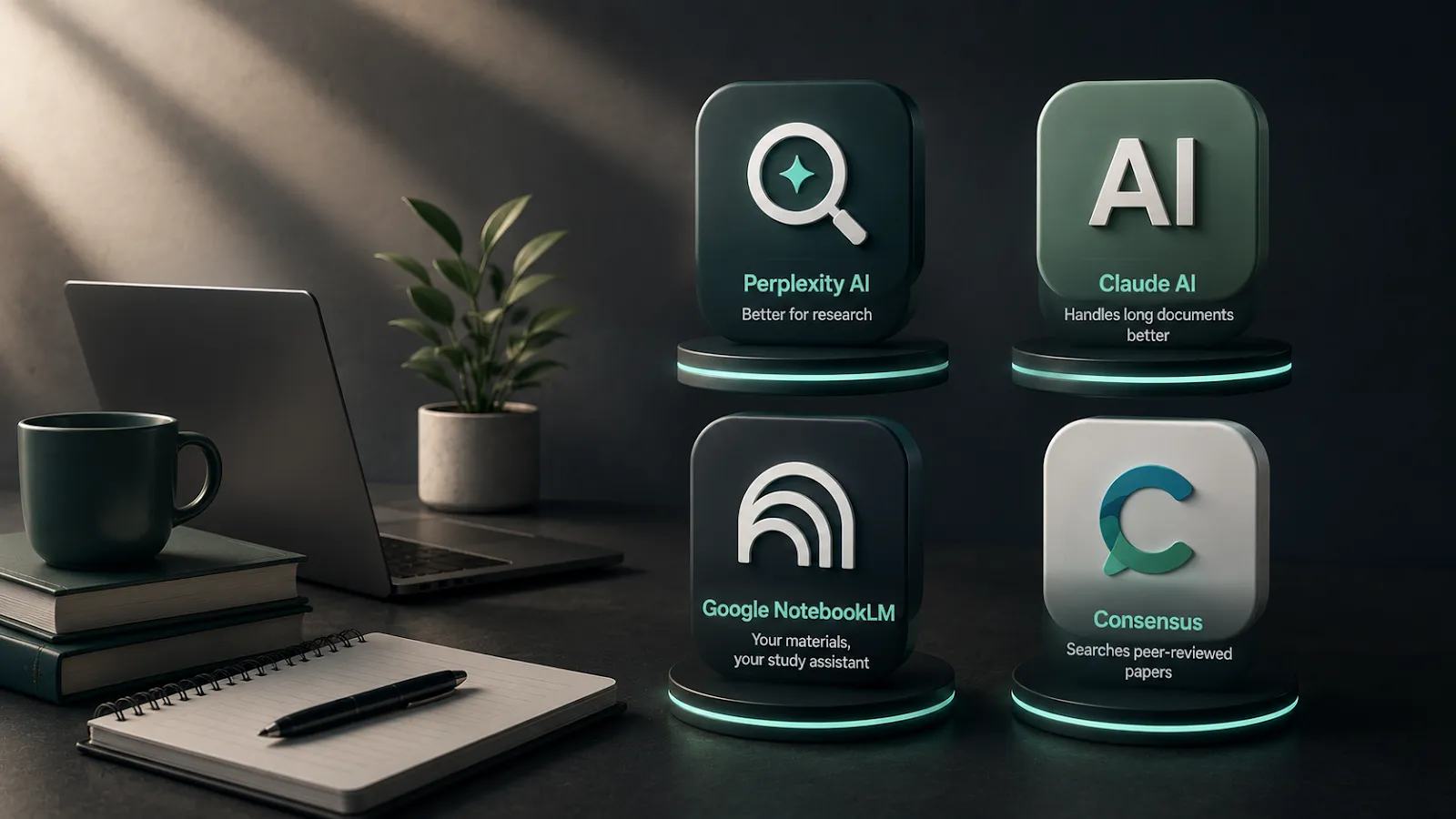
ChatGPT is the most-used AI study tool, but it is not the strongest option for every task. The 4 below are the ones I recommend most often for specific use cases.
Perplexity AI is better for research. It searches the web in real time and formats citations in APA, MLA, or Chicago automatically. Use it when you need sources, not when you need synthesis.
Claude AI handles long documents better than ChatGPT. Its context window supports up to 200,000 tokens, meaning you can paste an entire textbook, multiple papers, or a full semester of notes into one conversation. Strong for essays and literature reviews.
Google NotebookLM turns your uploaded materials into an interactive study assistant. Upload your lecture slides, PDFs, and readings, then ask questions about your actual course content. Because it works only from what you provide, it does not hallucinate from general training data.
Consensus searches peer-reviewed papers exclusively. For academic source discovery, it is more reliable than ChatGPT or Perplexity, though the trade-off is slower output and a narrower set of source types.