AI Courses for Beginners in 2026
The word “beginner” gets thrown around a lot in tech. But in AI, it actually means something useful: you haven’t built any habits yet. And in a field moving this fast, that’s not a disadvantage - it’s a head start.
How Can You Learn AI as a Beginner?
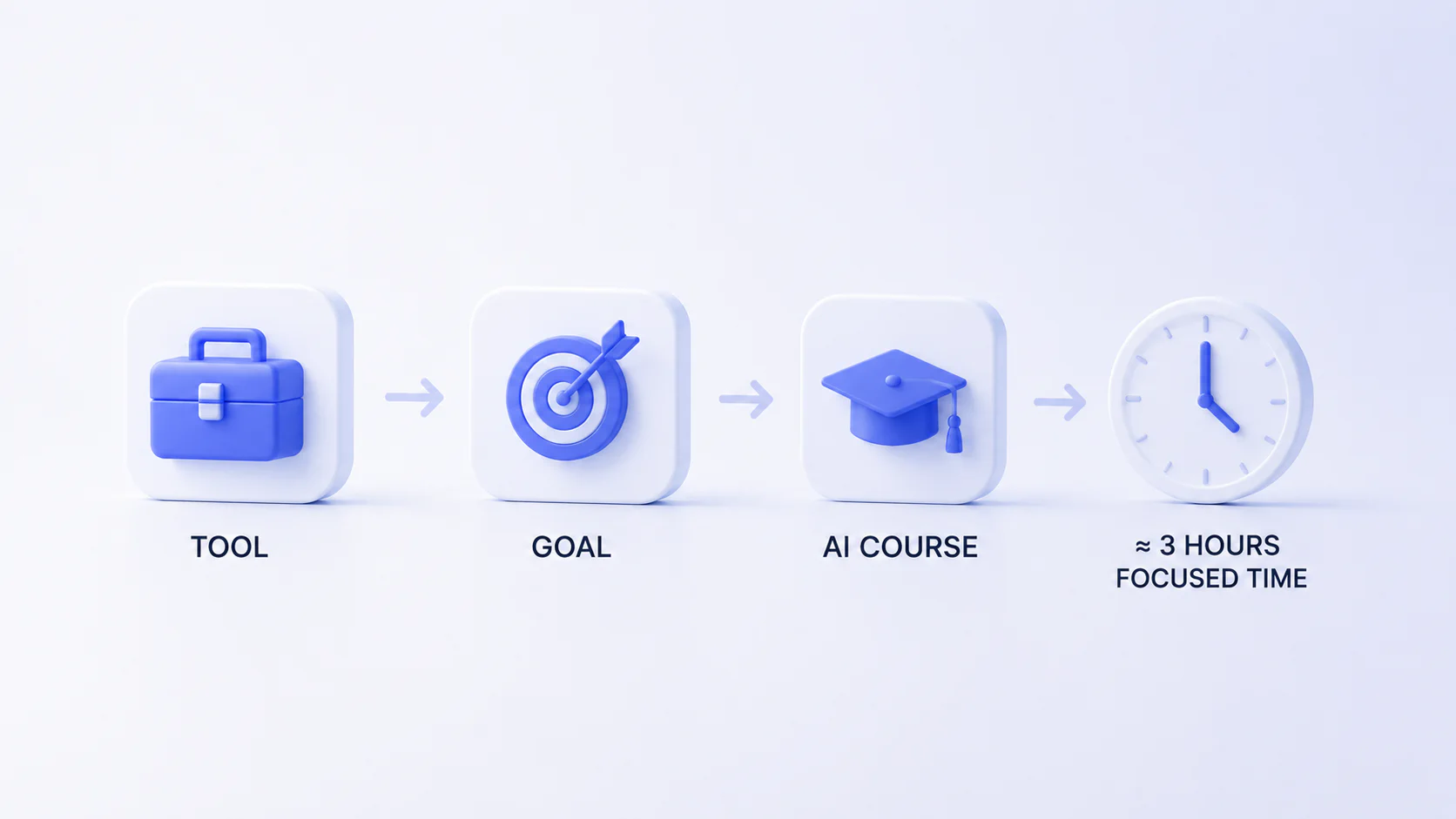
Here’s the honest answer: you don’t need a roadmap from a university or a 12-month bootcamp. You need a tool, a goal, an AI course for beginners, and about three hours of focused time.
AI in 2026 is not what it was even two years ago. The interfaces are cleaner, the feedback is instant, and the learning curve - for practical, everyday use - is genuinely flat. What used to take a developer weeks to figure out now takes a motivated beginner an afternoon.
The most effective way to start is by picking one tool and going deep rather than grazing across five platforms and mastering none. ChatGPT, Claude, Gemini - these aren’t interchangeable widgets. They have different strengths, different personalities, different use cases. A course that teaches you one of them well gives you something a scattered overview never will: actual intuition.
From there, the question “How to learn AI for beginners?” finds its answer. Once you understand how prompting works in one context, you start seeing the same logic everywhere. Writing better prompts for Claude helps you write better briefs for Midjourney. Understanding how Gemini connects to Google Workspace makes Notion AI feel obvious. It’s a skill that transfers.
Can I Learn AI With No Experience?
Yes, it’s not that hard to learn AI for beginners - and this is not a sales pitch, it’s just true.
The more relevant question is: what kind of experience do you actually need? Not coding. Not data science. Not anything technical in the traditional sense. What helps is being able to describe what you want clearly. That’s it. Natural language is the new interface, and if you can write an email, you can prompt an AI.
That said, “no experience” doesn’t mean “no effort.” People who get the most out of AI courses are people who bring their own context - their job, their side project, their creative problem. The moment you stop doing the generic exercises and start asking “how would I use this for my actual work,” everything clicks.
The beginner advantage is also real. You don’t have bad habits to unlearn. You’re not fighting the instinct to write code when a prompt would do. You come in with fresh eyes, and that genuinely matters.
Do You Need Any Skills to Begin Your AI Learning Journey and Career Path?
Technically? No. But a few things will make your journey faster and your results much better.
Curiosity is the obvious one - not the Instagram-inspiration kind, but the “let me just try this and see what happens” kind. Patience with imperfect outputs. A willingness to iterate. If you type one prompt, get a mediocre result, and give up - that’s not a tool problem, that’s a workflow problem.
A second thing that helps: basic digital literacy. Not code, but comfort. Knowing how to navigate a web app, upload a file, copy and paste across platforms. That’s genuinely the ceiling of technical skill required for most beginner AI courses.
The third thing - and this is underrated - is domain knowledge. The person who knows marketing and learns AI becomes a better marketer. The project manager who learns to use Asana with AI saves hours every week. AI amplifies what you already know. Which means the more specific your existing expertise, the more precisely you can benefit.
How to Prepare for Job Applications
If you’re approaching AI courses with a career goal in mind, a few concrete steps matter more than most people realize.
Build a portfolio of outputs, not just certificates. A certificate tells a hiring manager you completed a course. An actual landing page you built with Lovable, or a real content workflow you automated with Jasper, tells them what you can do. Save everything you create during the course. Annotate what worked and why.
Specialize by industry, not just by tool. “I know ChatGPT” is increasingly table-stakes. “I used ChatGPT to build a content pipeline for an e-commerce brand, cut production time by 60%, and here’s the system” - that’s a job application. Employers want context and results, not feature lists.
Get comfortable explaining your process. AI-assisted work sometimes makes people nervous to claim credit. Don’t be. You made the decisions. You evaluated the outputs. You iterated. That’s the skill. Practice articulating it: “I used Claude to draft the structure, then refined it based on the brief, then edited the tone manually.” Clear, honest, confident.
Stay current on one or two tools rather than chasing every new release. The AI landscape moves fast and it will make you anxious if you try to keep up with everything. Pick your one or two core tools, go deep, and check in on the ecosystem monthly rather than daily.

Who Are These Courses Good For?
The short answer is: a wider range of people than you might expect.
Freelancers and solopreneurs who need to do the work of a team. Marketing professionals trying to scale content without scaling headcount. Project managers drowning in status updates and documentation. Career changers who want AI as their differentiator in a new field. Students who want to graduate with skills that weren’t in any curriculum three years ago. For L&D teams, the same fundamentals also connect to AI roleplay tools for corporate training, where employees practice sales, support, and management scenarios with simulated feedback.
Also - and this is worth saying - people who are just curious. Not everyone learning AI is optimizing for a LinkedIn badge. Some people want to understand what’s changing in the world. That’s a completely valid reason to spend six hours with a well-structured course.
Which AI Course at Coursive Is the Best for Beginners in 2026?
If you’re starting from zero and want the clearest on-ramp, the Claude guide or the ChatGPT guide are both strong starting points - for slightly different reasons.
The Claude course (7 hours) is built around something most beginners overlook: how you frame a task matters as much as which tool you use. It goes deep on prompt construction, context-setting, and reasoning - skills that transfer to every other AI tool you’ll ever use. If you want to build a foundational mental model of how to work with AI, start here.
The ChatGPT course (6 hours, plus a 6-hour 2.0 version) is broader in scope. It covers more features, more use-case scenarios - from SEO to event planning to image generation - and it’s probably the most practical entry point if you want to see AI applied across different contexts quickly.
For creative beginners, Midjourney (7 hours) or Stable Diffusion (4 hours) are the natural starting points. Both are visual-first and require very little technical background.
If your goal is to build something - an actual website, an MVP, a portfolio - Lovable (3 hours) is the fastest path from idea to live product, with no coding required.
And if you’re the kind of person who wants to see how multiple tools fit together before committing to one, the Turbocharge Your Productivity With AI guide (3 hours) gives you an honest overview of ChatGPT, Claude, Gemini, Notion AI, and Perplexity as a connected system rather than isolated apps.
Does Coursive Offer AI Product Manager Courses for Beginners?
There isn’t a dedicated AI Product Manager course in the catalog right now - but the gap is smaller than it looks. You can easily find the best AI course for beginners to fit your needs.
Product managers working with AI need three things: the ability to evaluate AI outputs critically, the vocabulary to collaborate with engineering and design teams, and experience actually building or configuring AI-powered tools. All three are addressed across Coursive’s existing guides.
The DeepSeek course (5 hours) has a particularly strong unit on market research, competitor analysis, and workflow automation - skills that map directly to a PM’s day-to-day. The AI Essentials for Project Managers guide (3 hours) covers ChatGPT paired with Asana, Notion, and Slack - exactly the stack most PMs are already using.
For building product intuition, Lovable (3 hours) is underrated for non-technical PMs. Shipping a working prototype with zero code changes how you think about scope, feasibility, and what “done” looks like. That’s valuable experience in any product conversation.
A smart path for an aspiring AI PM: start with the Productivity guide for breadth, then go deep on DeepSeek for research skills, then build something real with Lovable. That combination gives you language, process, and output - three things that actually show up in interviews.
What Technology Will You Learn and What Skills Will You Get After Passing Our Courses as a Beginner?
Across Coursive’s catalog, the tools are: ChatGPT, Claude, Gemini, Midjourney, Stable Diffusion, Lovable, Jasper, DeepSeek, Notion AI, Perplexity AI, Asana, Slack, HubSpot, Apollo.io, Tidio, Fireflies.ai, and Canva.
That list might look overwhelming. In practice, most learners focus on three to five tools depending on their goals.
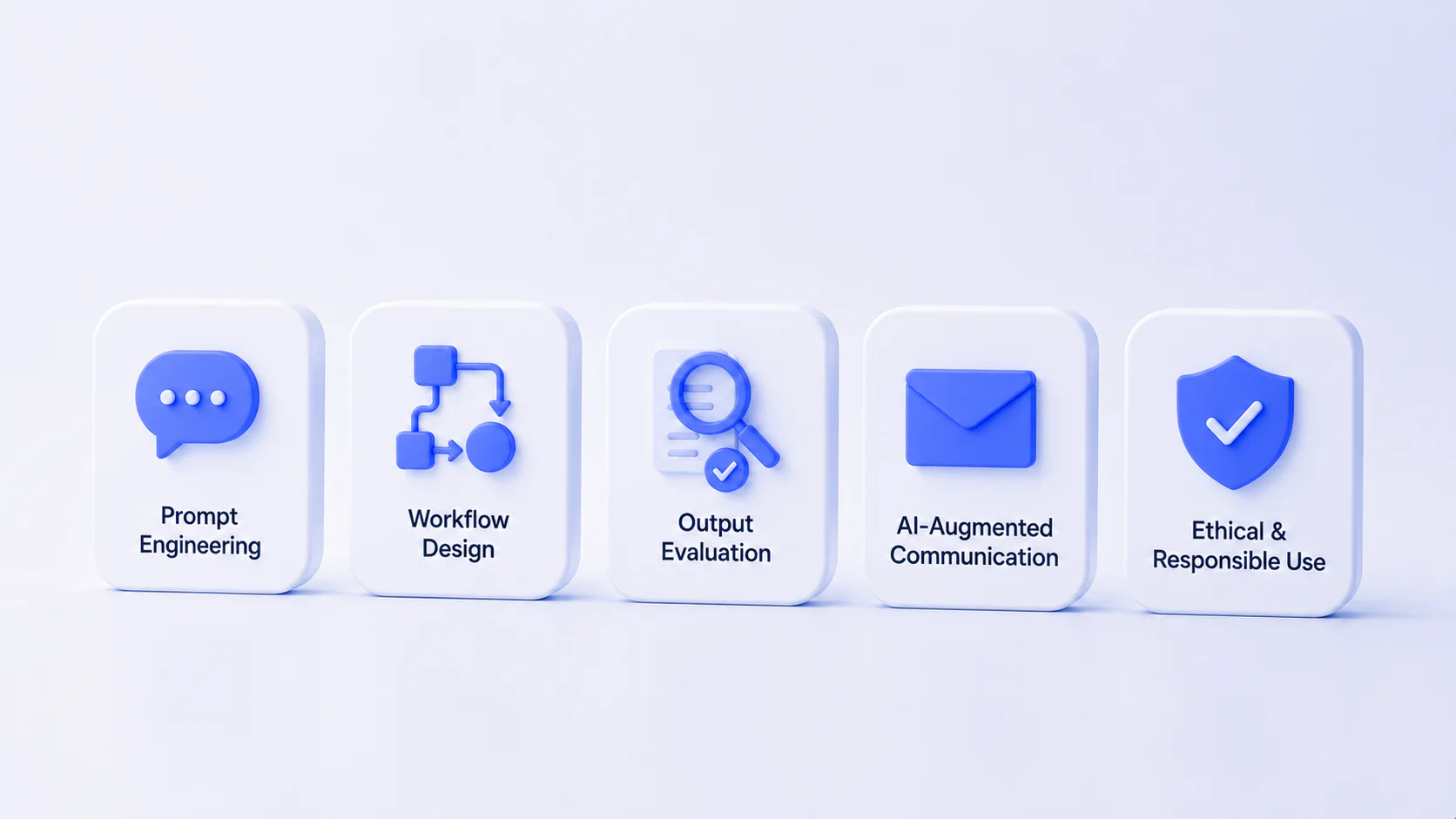
The skills that cut across all of them are worth naming explicitly, because they’re less obvious than “I can use ChatGPT”:
- Prompt engineering - the art of getting useful outputs from ambiguous inputs. This is a real skill, not a buzzword. It includes structuring tasks, providing context, setting constraints, and iterating.
- Workflow design - understanding which tool to use at which stage of a process, and how to chain them. A content workflow might use Perplexity for research, Claude for drafting, Canva for visuals, and Notion for organization. Knowing how those pieces fit is different from knowing each piece individually.
- Output evaluation - being able to tell when an AI output is good enough, when it needs refinement, and when it’s wrong. This is harder than it sounds and genuinely important, especially for anything client-facing.
- AI-augmented communication - writing emails, reports, briefs, and proposals with AI assistance while maintaining your own voice and judgment.
- Ethical and responsible use - being aware of the constraints, the dangers and questions to pose before automating something.
What Career Opportunities Are Available for You After Completing Our Courses as a Beginner?
The roles that are actively hiring people with practical AI skills right now span a wider range than most beginners expect.
AI Content Specialist / AI Copywriter - brands need people who can produce high volumes of quality content using tools like Jasper, Claude, and ChatGPT, without losing brand voice or requiring constant editorial cleanup. This is one of the most accessible entry-level AI roles.
Prompt Engineer - the job title is becoming more standardized. Companies need people who can build and maintain effective prompt libraries, fine-tune AI interactions for specific use cases, and train others on best practices.
AI-Augmented Marketing Roles - from social media managers using Midjourney for visuals to growth marketers using DeepSeek for competitor analysis. AI isn’t replacing these roles; it’s being embedded in them, and people who know the tools have an edge.
Sales Operations with AI - the Boost Your Sales with AI guide maps directly to this. Roles involving CRM management, outreach personalization, and sales analytics are increasingly using HubSpot AI, Apollo.io, and similar tools.
Freelance / Solopreneur - this might be the biggest category. AI courses give individuals the capability to run one-person agencies, take on client work that previously required a team, and deliver faster without sacrificing quality.
The honest caveat: completing a course doesn’t land you a job. Building real projects, documenting your results, and positioning yourself clearly does. The course gives you the skills. What you do with them is up to you.
With No Experience, How Long Does It Take to Complete Your First Course and Be Able to Apply for a Job?
For the first course: a few weeks of part-time effort, or a long weekend if you focus. Most Coursive courses run between 3 and 7 hours of structured content. That doesn’t include practice time - and practice time is where the actual learning happens.
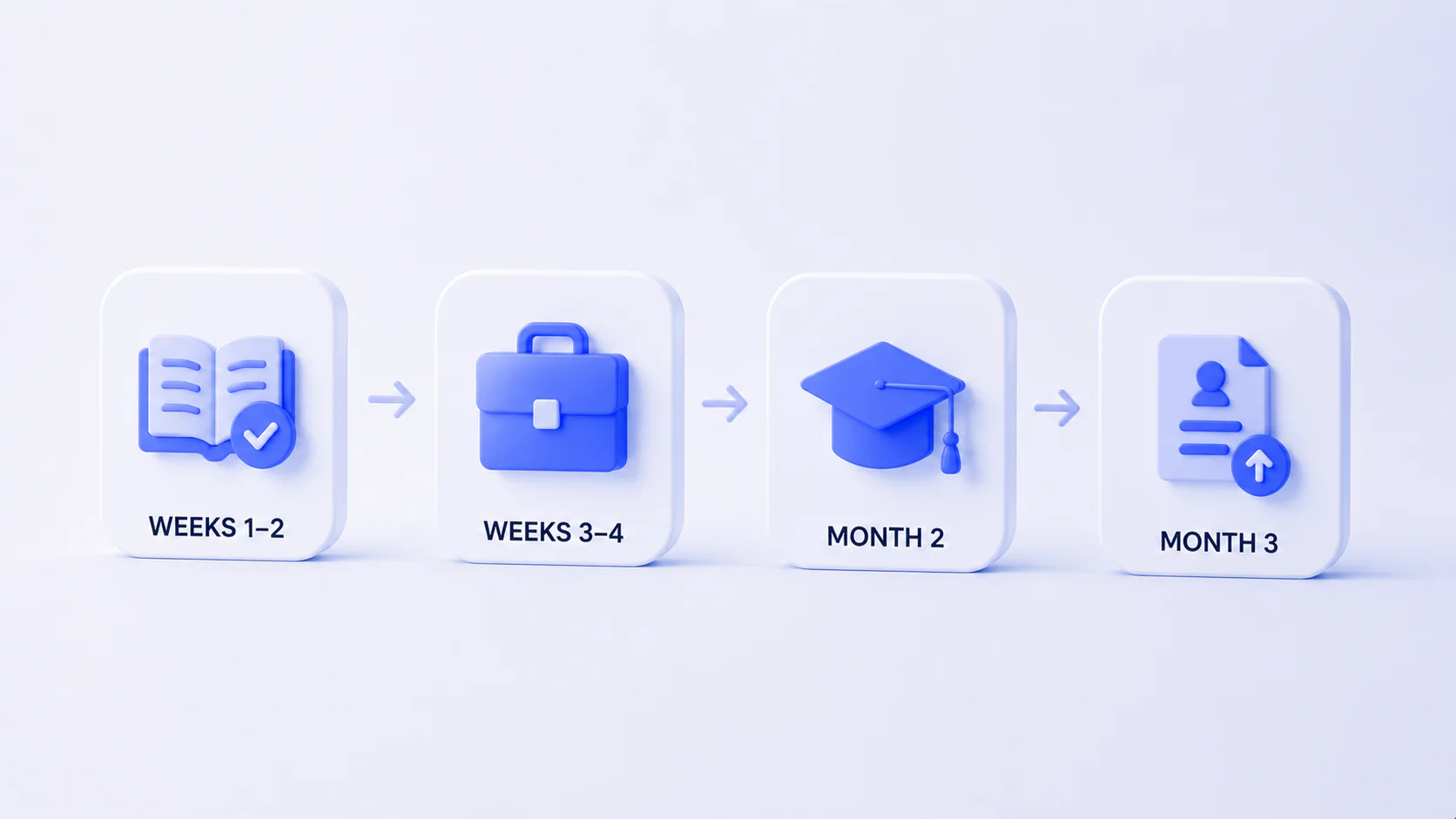
A realistic timeline for a complete beginner who’s serious:
- Weeks 1-2: Complete one core course (e.g., Claude or ChatGPT). Do the exercises, don’t skip the practice sections.
- Weeks 3-4: Apply the skills to something real. A personal project, a freelance task, a problem at your current job. This is the step most people skip, and it’s the most important one.
- Month 2: Add a second course, ideally one that complements the first. Build something you can show.
- Month 3: Start applying, pitching, or positioning. You won’t know everything. You don’t need to.
Three months from zero to job-ready is achievable - not because AI courses are magic, but because the barrier to entry for AI-augmented roles is genuinely lower than it’s ever been. Companies aren’t looking for people who’ve been doing this for ten years. They’re looking for people who are sharp, adaptable, and can demonstrate they know how to use these tools right now.
That window won’t stay open forever. But for anyone starting in 2026, it’s still wide open.