AI tools have quietly become part of how students actually work — in dorm rooms, libraries, study groups, and late-night deadline sprints. Grok, xAI’s assistant, is one of the more interesting options for students because it combines chat, real-time web/X search, connectors on paid/business plans, coding help, and a less corporate tone than many AI assistants.
Quick answer: Grok is useful for students who need explanations, study plans, Socratic quizzes, coding help, current-event context, and draft feedback. It is weaker as a citation source for academic writing, so students should verify sources, follow school AI policies, and use Grok as a tutor/editor rather than a ghostwriter.
Best Grok use cases for students
| Student task | How Grok helps | Risk to watch |
|---|---|---|
| Homework explanations | Reframes concepts and walks through examples | May over-simplify or skip assumptions |
| Exam prep | Creates quizzes, flashcards, and study plans | Needs your syllabus and constraints |
| Coding assignments | Explains errors and suggests fixes | Do not submit code you cannot explain |
| Current-events research | Uses web/X context for recent topics | Verify with primary sources |
| Essay feedback | Finds gaps, transitions, and thesis issues | Weak or fabricated citations are possible |
| Language practice | Roleplays conversations and corrects phrasing | Needs native-source verification for nuance |
| Data analysis | Explains scripts and statistical outputs | Check formulas and methods manually |
Source check: for this update, we checked xAI’s Grok user guide, Grok pricing page, Grok 4.3 model docs, and xAI developer pricing. Plan features and rate limits change quickly, so verify live xAI pages before assuming access.
What Is Grok and How Does It Work for Students in 2026
Grok is an AI large language model developed by xAI and integrated tightly into the X (formerly Twitter) platform, though it’s also available as a standalone app and API. What makes it different from the crowd – at least on paper – is its real-time access to X posts and a deliberately less filtered personality. xAI describes it as modeled after The Hitchhiker’s Guide to the Galaxy: curious, a little irreverent, willing to tackle edgy questions other AIs dodge.
For students specifically, this matters because Grok is less likely to refuse a nuanced or controversial research question. It also pulls current information – a genuine advantage when you’re writing about fast-moving topics like geopolitics, tech policy, or public health.
xAI model names, limits, and plan access change quickly. For student use, the practical question is less “which benchmark won this month?” and more “can Grok explain the concept, cite reliable sources, help me practice, and stay within my school’s AI policy?”
How Students Use Grok for Homework and Assignments
In practice, students use Grok the way they use any capable AI: to unstick themselves. You’ve read the same paragraph five times and still don’t get it – Grok can reframe it. You have a rough draft that’s embarrassingly thin – Grok can point out exactly which arguments need more support.
What it’s genuinely good at here is explaining with context. Ask it to explain opportunity cost and it won’t just give you the textbook definition – it’ll walk you through a concrete scenario and tell you where students typically get confused.
Less glamorous but equally useful: summarizing long readings. Paste in a dense academic article and ask for a structured breakdown. For a history student drowning in 40-page primary sources, that’s not laziness – that’s triage.

Can Grok Help with Exam Preparation and Study Plans?
Yes, and this is one of its stronger use cases. Grok can generate practice questions, build flashcard-style Q&A sets, and create study schedules if you give it enough context about your exam and timeline.
One thing worth trying: ask Grok to quiz you Socratically – where it asks follow-up questions based on your answers rather than just presenting information. Most students find that more effective than re-reading notes.
For STEM subjects, Grok can walk through problem types step-by-step, flag common errors, and explain why a particular method works – not just what the answer is. That distinction matters enormously when you’re studying for a calculus final at midnight.
Grok AI Tools for Students: Writing, Coding, and Analysis
Coding
Grok handles code well. It can write, debug, and explain code in Python, JavaScript, R, and most other common languages. For CS students, the most useful feature is probably its ability to explain what went wrong in plain English – not just output a fixed version, but actually describe the logic error.
It also handles SQL, which is genuinely underserved by most AI writing tools but comes up constantly in data-heavy coursework.
Data Analysis
If you’re working with datasets and need to write analysis scripts or interpret statistical output, Grok can help structure your approach. It won’t access your files natively (unless you use the paid tier with document upload), but you can paste in data snippets or output from R/Python and ask for interpretation.
For students in economics, sociology, or psychology – where you’re often staring at regression tables you half-understand – this is a real time-saver.
Thesis Writing
This is trickier territory, and worth being honest about. Grok is good for structural feedback: it can tell you if your argument has logical gaps, suggest how to transition between sections, or help you write a sharper thesis statement. What it’s not is a reliable source of citations. More on that in a moment.
Use it as a thinking partner, not a ghostwriter. The students who get the most out of AI for thesis work are the ones treating it like a very patient editor, not a replacement for their own thinking.
Grok for High School Students
High schoolers are using Grok too – for essay drafting, SAT/ACT prep, and working through AP coursework. The tone tends to be more accessible than some competing tools, which helps with younger users. One realistic note: the free tier has message limits, so heavy daily use may bump up against those limits pretty quickly.
Grok vs ChatGPT for Students: Key Differences in 2026
The most meaningful differences come down to real-time data, tone, and willingness to engage. ChatGPT (GPT-4o and above) still has a larger plugin ecosystem and arguably better document handling in its paid tier. But Grok’s live access to X gives it a real edge for current events research – something that matters if you’re writing about anything that happened in the last six months.
Grok also tends to give fewer hedge-heavy non-answers. That’s genuinely useful when you’re asking about a politically complex topic for a poli-sci paper and don’t want three paragraphs of “both sides have valid perspectives.”
Performance-wise, they’re closer than the marketing suggests. Both are strong at writing and explanation. Grok edges ahead in math reasoning at the high end; ChatGPT has more mature document tools.
Does Grok Provide Reliable Sources for Academic Work?
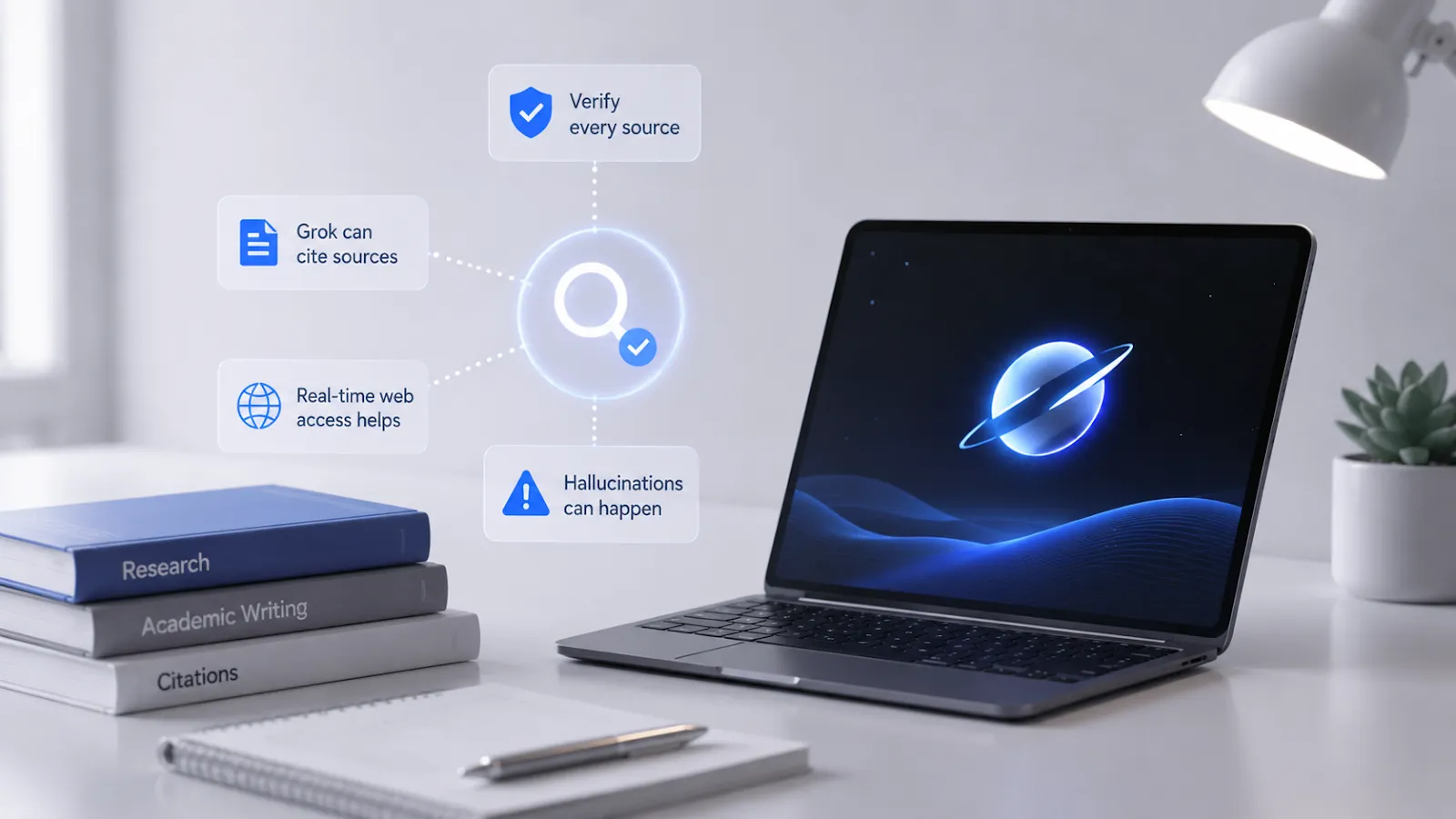
Here’s where to pump the brakes. Grok can cite sources, but like all current AI models, it sometimes generates references that look real but aren’t – a problem called hallucination. For any academic submission, you should verify every cited source independently. Paste a Grok-generated citation into Google Scholar and confirm it exists before putting it in a bibliography.
That said, Grok’s real-time web access (available on paid tiers) does meaningfully reduce hallucinated citations compared to models trained on static data. It can pull actual current articles. But “can” isn’t “always does,” and the stakes of a fake citation in a term paper are too high to skip verification.
Can Grok Analyze Images and PDFs for Students Tasks?
Yes – multimodal capabilities are available in Grok 3. You can upload images and ask questions about them, which is useful for everything from analyzing graphs in a biology textbook to working through geometry diagrams. PDF upload and analysis became more robust across the paid tier through 2025.
Practically: if you have a scanned lecture slide or a complex chart you need to interpret, this works well. For full document analysis – a 60-page research paper – results are more variable and you’ll want to read what it produces carefully.
Is Grok Helpful for Language Learning and Translation?
Reasonably, yes. Grok can translate from and into major languages, explain grammatical structures, and offer writing exercises in the foreign language. It does an excellent job of explaining the rationale behind a grammar rule, rather than simply stating it.
This is a good way to check your work for students learning English as a second language and writing in English, as it will point out errors in your writing. There is one caveat: accuracy begins to decline for less common languages compared to specialized translation software.
Benefits of Using Grok for Students in 2026
The genuine advantages:
- Real-time information access makes it useful for current-events research, which most AI tools without web access can’t match
- Strong performance on STEM problem-solving, particularly math reasoning and coding
- Less filtered responses – useful when researching controversial historical or political topics without getting a wall of disclaimers
- Accessible, direct communication style that doesn’t feel like reading a legal document
- Multimodal support (images, PDFs) available on paid tier
Grok Weak Points for Students
Honest drawbacks – no tool is perfect:
- Citation reliability remains an issue; always verify sources
- Free tier message limits can be frustrating for heavy users
- Deep document analysis (long PDFs, multi-document comparison) is less developed than some competitors
- Integration with academic tools like citation managers or LMS platforms is minimal compared to some rivals
- No offline access – fully cloud-based, which matters in spotty-connection environments
Can Teachers Detect Grok-Generated Content?
This is the question no one wants to ask out loud, but students think about it. The honest answer: AI detection tools in 2026 remain imperfect. They produce false positives (flagging human writing as AI) and false negatives (missing AI text). Tools like Turnitin’s AI detection feature are increasingly common in universities, but no detection system is reliable enough to be used as sole evidence of academic dishonesty.
More importantly – most institutions now have explicit AI use policies, and those vary wildly. Some allow AI for drafting with disclosure; others prohibit it entirely. The risk calculus is yours to make, but submitting AI-generated work as your own, at most universities, is categorically an academic integrity violation.
Comparing Grok with Other AI Tools for Students in 2026 – Grok vs ChatGPT vs Gemini
| Feature | Grok 3 | ChatGPT (GPT-4o) | Gemini 1.5 Pro |
|---|---|---|---|
| Real-time web access | Yes (paid) | Yes (paid) | Yes |
| Document/PDF analysis | Yes (paid) | Yes (paid) | Yes |
| Math/STEM reasoning | Strong | Strong | Strong |
| Code generation | Strong | Strong | Good |
| Academic citation accuracy | Moderate | Moderate | Moderate |
| Free tier generosity | Limited | Limited | More generous |
| Integration with Google tools | No | Partial | Yes |
No clear winner across the board. Gemini has a native advantage for students already deep in Google Workspace. ChatGPT has the most mature plugin/tool ecosystem. Grok wins on real-time X data and tone. Pick based on your actual workflow.
Free vs Paid Grok Plans: Which Is Best for Students?
The free tier gives you access to Grok with message limits – sufficient for occasional use, homework questions, light research. Heavy users will hit the ceiling quickly.
Grok’s paid tier (Premium+, accessed via X) unlocks higher message limits, document analysis, and priority access to the latest model versions. For students managing a heavy course load and using Grok daily, paid access is probably worth it – especially compared to the cost of tutoring.
One thing worth checking: X (the platform) offers student and education discounts in some regions. Worth a look before paying full price.
Tips for Getting Better Answers from Grok
Most students use AI tools at about 40% of their potential because they ask vague questions. The output quality correlates almost directly with prompt quality. A few things that consistently work:
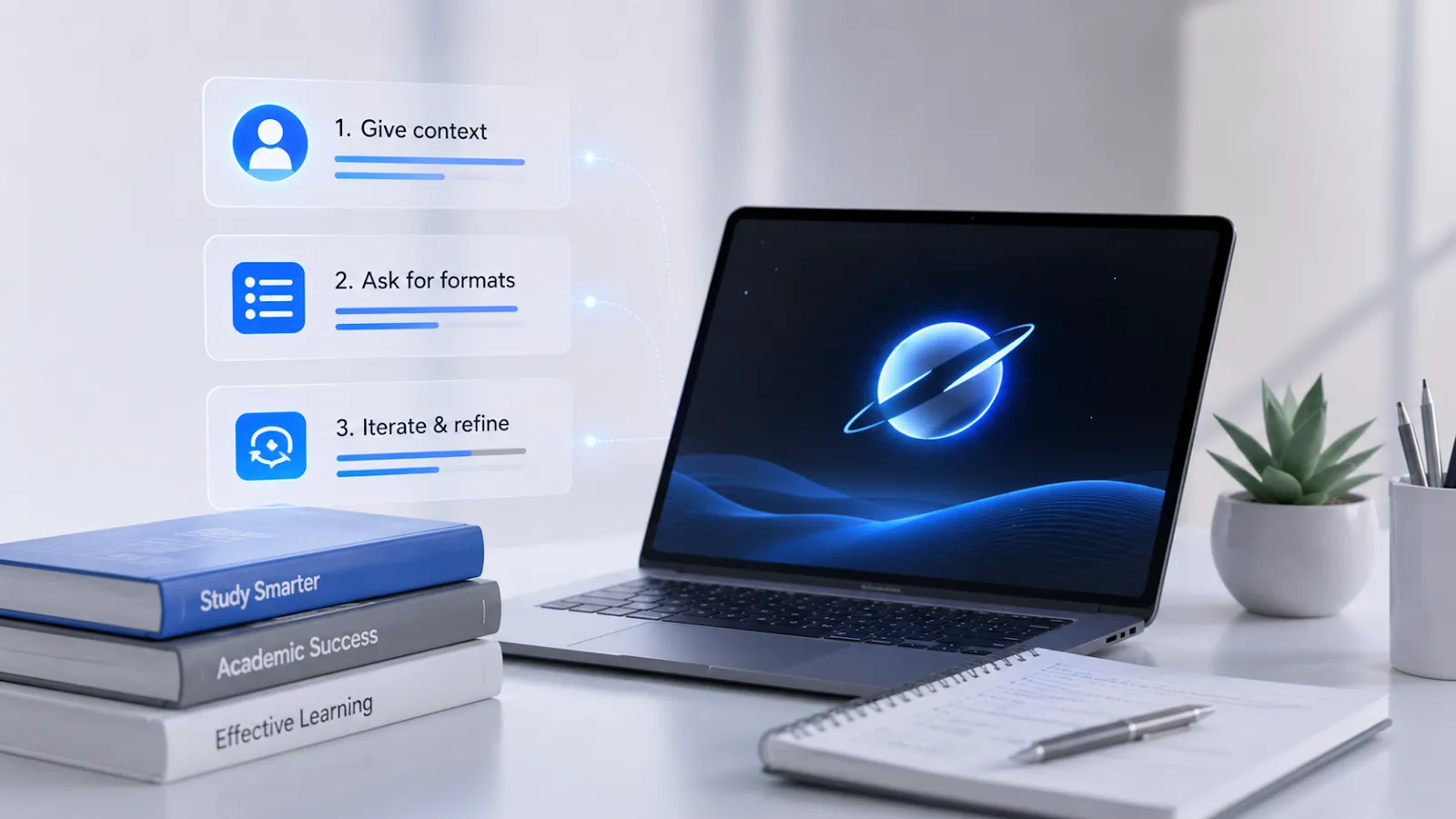
Give context before the question. Tell Grok your level (“I’m a second-year undergraduate in economics”), the assignment type, and what you’ve already tried. It calibrates its answer accordingly.
Ask for formats explicitly. “Explain this in bullet points” vs. “Walk me through this step-by-step” produces very different results. Neither is better universally, but knowing which you need before you ask saves a lot of back-and-forth.
Push back when something’s unclear. If the first answer doesn’t quite land, say “that’s still confusing, can you try a different analogy?” Grok responds well to iteration.
Best Prompts for Students Using Grok
These are structured starting points – adapt them to your subject and level:
For understanding difficult concepts:
“I’m a [year] student studying [subject]. Explain [concept] as if I’ve never encountered it, then tell me the most common misconception students have about it.”
For essay feedback:
“Here’s my draft introduction for an essay arguing [thesis]. Tell me what’s logically weak, what’s strong, and what the most important thing to fix is. Don’t rewrite it – just give me a diagnostic.”
For exam prep:
“I have an exam in [subject] in the next [X] days. The main topics will be [list]. Create 10 questions for me on each of these topics, of increasing difficulty, and then give me a separate list of answers so I can review myself.”
For help with coding:
“Here’s my code: [insert code]. It should [write what it should do], but [write what the problem is] because [write why], and give me the corrected version.”
For research starting points:
“I’m writing a paper on [topic]. I’m a [level] student. What are the 5 most important debates or questions currently active in this field, and what should I read to understand each one?”
These aren’t magic – they work because they give Grok enough context to give you something actually useful rather than a generic overview you could’ve found on Wikipedia in 30 seconds.
Conclusion
Grok isn’t the right tool for every student or every task. But used thoughtfully – as a thinking partner, a first-pass editor, a patient explainer – it’s genuinely useful in ways that weren’t possible even two years ago. The students who get the most out of it aren’t the ones trying to shortcut the work. They’re the ones who’ve figured out how to make the tool work with their thinking, not instead of it.