ChatGPT vs Perplexity vs Claude vs Gemini

Despite specialized AI writing tools popping up all the time, most people (even professional writers) still use these AI tools for writing: ChatGPT, Perplexity, Claude, and Gemini.
This page is the side-by-side a busy professional needs to pick one (or two) without wasting a $20 monthly subscription on the wrong tool.
Each tool below is reviewed against the same criteria: what it does best, where it falls short, and what it costs in April 2026.
Head-to-Head: Which Chatbot Wins for Each Writing Job
A quick verdict before the deep dives. If you only have 30 seconds, here is the answer for the four most common writing tasks at work:
| Writing job | Winner | Runner-up |
|---|---|---|
| Blog posts and long-form | Claude | ChatGPT |
| Marketing copy | ChatGPT | Claude |
| Real-time research and sourcing | Perplexity | Claude |
| Email drafting speed | Gemini | ChatGPT |
The single biggest takeaway: no one AI writing tool wins everything. Most professionals who write daily end up using two, for example, one for research and one for drafting.
ChatGPT for Writing
Key Features
For writers, three features matter most:
- Canvas, a split-screen editor where drafts open in a side panel. You highlight text and tell ChatGPT what to change without losing the chat.
- Memory, which holds your style preferences, project context, and writing rules between sessions.
- Deep Research, an autonomous agent that browses hundreds of sources and returns a cited report in 15 to 30 minutes.
Plus subscribers get all three. Free users get a lighter version with tighter limits.

Content Research and Summarizing Accuracy
Deep Research involves multi-step investigations, structured reports, inline citations to clickable sources.
Hallucinations are still real. GPT-5.4 cuts false claims by a third compared to the previous version, but independent testing finds citations still fabricated about 12% of the time on niche topics. Verify before publishing.
Speed of Replies
GPT-5.3 Instant returns the first token in under 200 milliseconds. GPT-5.4 Thinking takes 8 to 12 seconds on complex prompts by design (it is reasoning, not stalling). For raw output speed, ChatGPT is competitive but not the fastest in the field.
Cons of ChatGPT for Writing
The most frequent complaint across G2 and Capterra reviews: output sounds generic. ChatGPT defaults to a recognizable formula, bold opener, numbered list, motivational closer, that publishing and marketing teams now flag as “AI-written.” Stripping that voice takes prompting effort or post-editing.
The free tier is barely usable for daily writing. After 10 messages in five hours, you drop to a lighter model. Even Plus users hit a 3,000-message-per-week ceiling.
Pricing
$20/month (Plus, monthly billing). Free plan available with significant limits.
Perplexity for Writing
Key Features
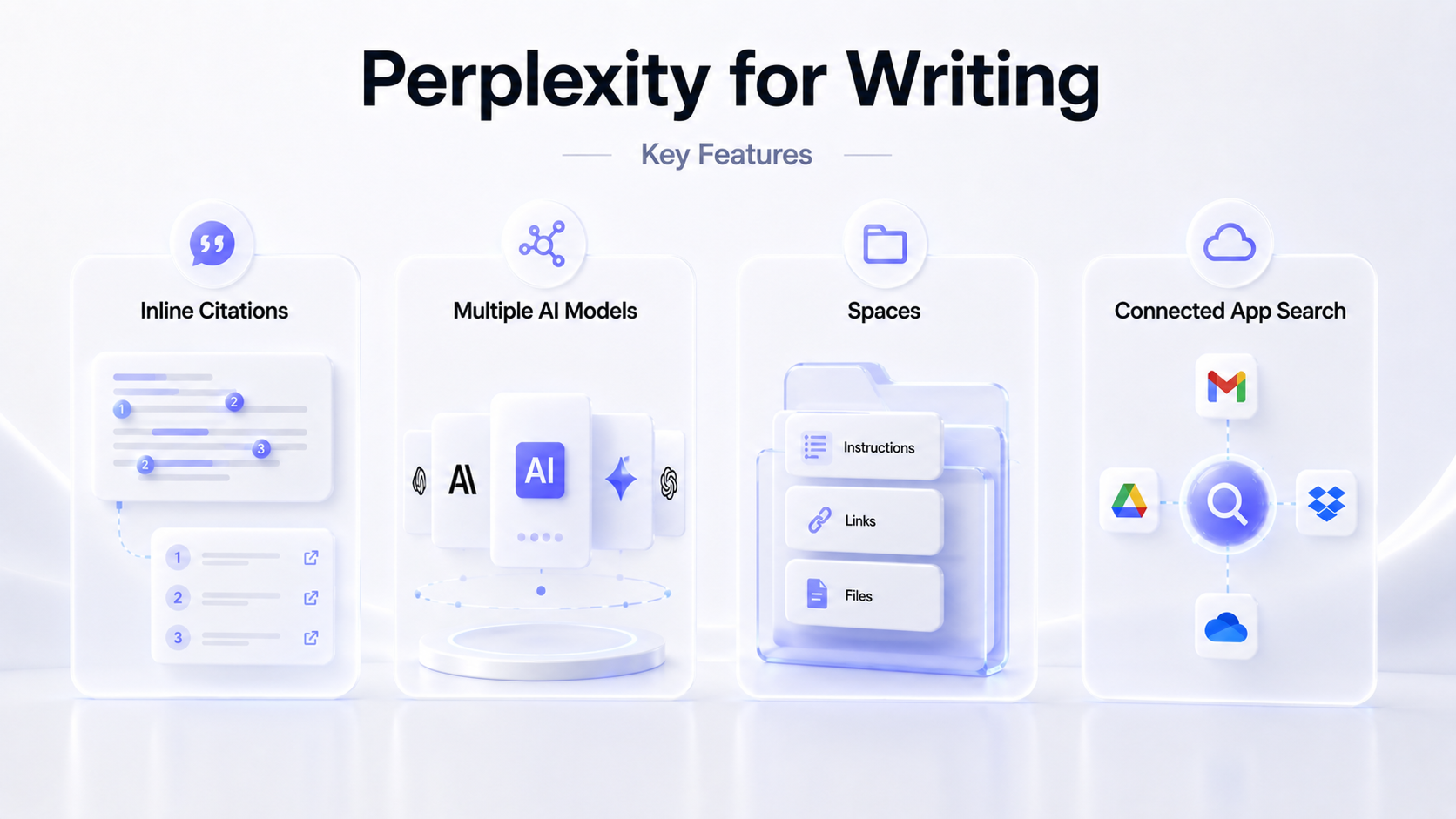
- In Perplexity, every response includes inline numbered citations linking back to source pages, which is why writers use it.
- Pro subscribers can switch between underlying models (Claude Sonnet 4.6 and Opus 4.6, Gemini 3.1 Pro, GPT-5.4, Nemotron 3 Super, and Perplexity’s own Sonar model) inside one subscription.
- Spaces let you set up persistent workspaces with custom instructions, links to use for research, and uploaded reference files, useful for keeping a research project organized across sessions.
- Connected app search. Perplexity can search across your connected applications, including emails and files stored in popular cloud storage services.
Content Research and Summarizing Accuracy
This is what Perplexity exists for. Every query searches the live web, ranks sources, and synthesizes the answer with footnotes. You can filter by source type (Web, Academic, Social, YouTube) before searching.
Perplexity consistently outperforms other best AI writing tools on factual accuracy in practitioner tests. However, citations sometimes link to the homepage of a publication rather than the specific article. So treat them as starting points, not finished references.
Speed of Replies
Standard Perplexity queries return in under two seconds, including the web search step. Deep Research mode takes longer (35 seconds to several minutes) by design.
Cons of Perplexity for Writing
The default writing voice is dry. Reviewers on G2 and Capterra are explicit: Perplexity is the wrong AI writing tool for marketing copy, brainstorming, or anything that needs personality. Stick to research and let another tool do the writing.
The context window is short, so Perplexity struggles to keep track in long conversations.
Pricing
$20/month (Pro, monthly billing). Free plan available with daily Pro Search limits.
Claude for Writing
Key Features
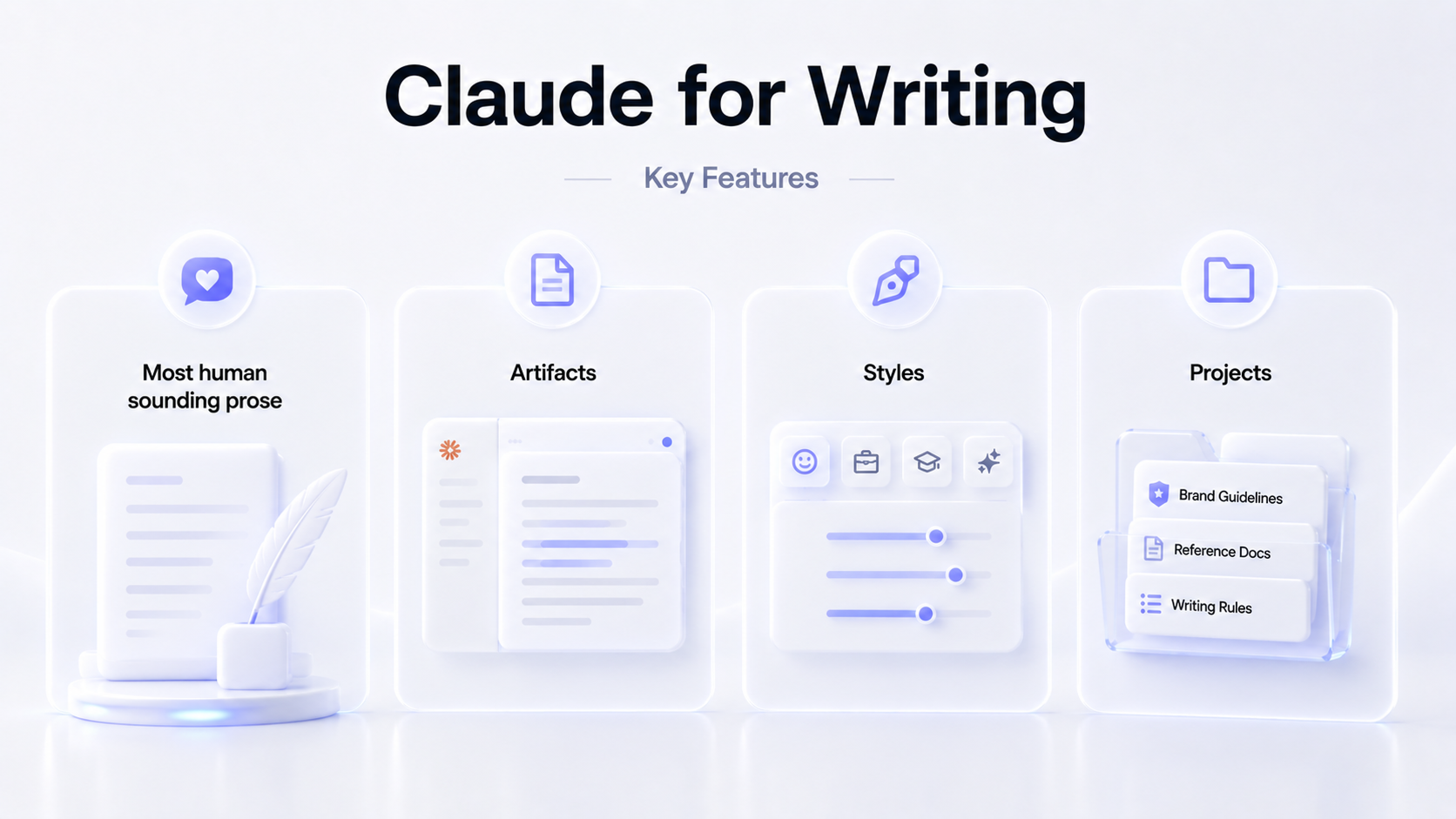
The differentiator for writers: Claude’s prose sounds the most human out of the box, with less of the formulaic structure that flags ChatGPT output as AI-generated.
Three features stand out:
- Artifacts, a live document panel where drafts appear and update as you iterate.
- Styles, a built-in voice control with presets and custom options that persist across sessions.
- Projects, where you pin brand guidelines or reference docs once and they stay loaded for every chat in that project.
The context window is one of the largest in the field: 200K tokens standard, 1 million in beta.
Content Research and Summarizing Accuracy
Document summarization is where Claude wins. The huge context window lets you upload a brand book, three competitor reports, and a half-finished draft in one session without anything getting “forgotten” partway through.
Some users say web research is its weak spot, but my recent experience feels like the quality is similar to Perplexity - or even better. Plus, the research is integrated into the full writing process you can run in Claude. Note that you need to clearly specify what types of sources to prioritize.
Speed of Replies
Sonnet 4.6 is mid-pack on speed. Reliable benchmarks for Opus 4.6 are not yet published. Community reports suggest Claude is steady rather than fast, with strong sustained generation once it starts producing.
Cons of Claude for Writing
Usage caps frustrate average users. Pro subscribers report hitting limits around 45 messages per five-hour window, depending on message length, which interrupts long writing sessions. The next plan up (Max) jumps to $100 per month with no intermediate tier.
There are also regular technical issues. They can interrupt you mid-task and stop the work.
Pricing
$20/month (Pro, monthly billing). Free plan available with daily message limits.
Gemini for Writing
Key Features
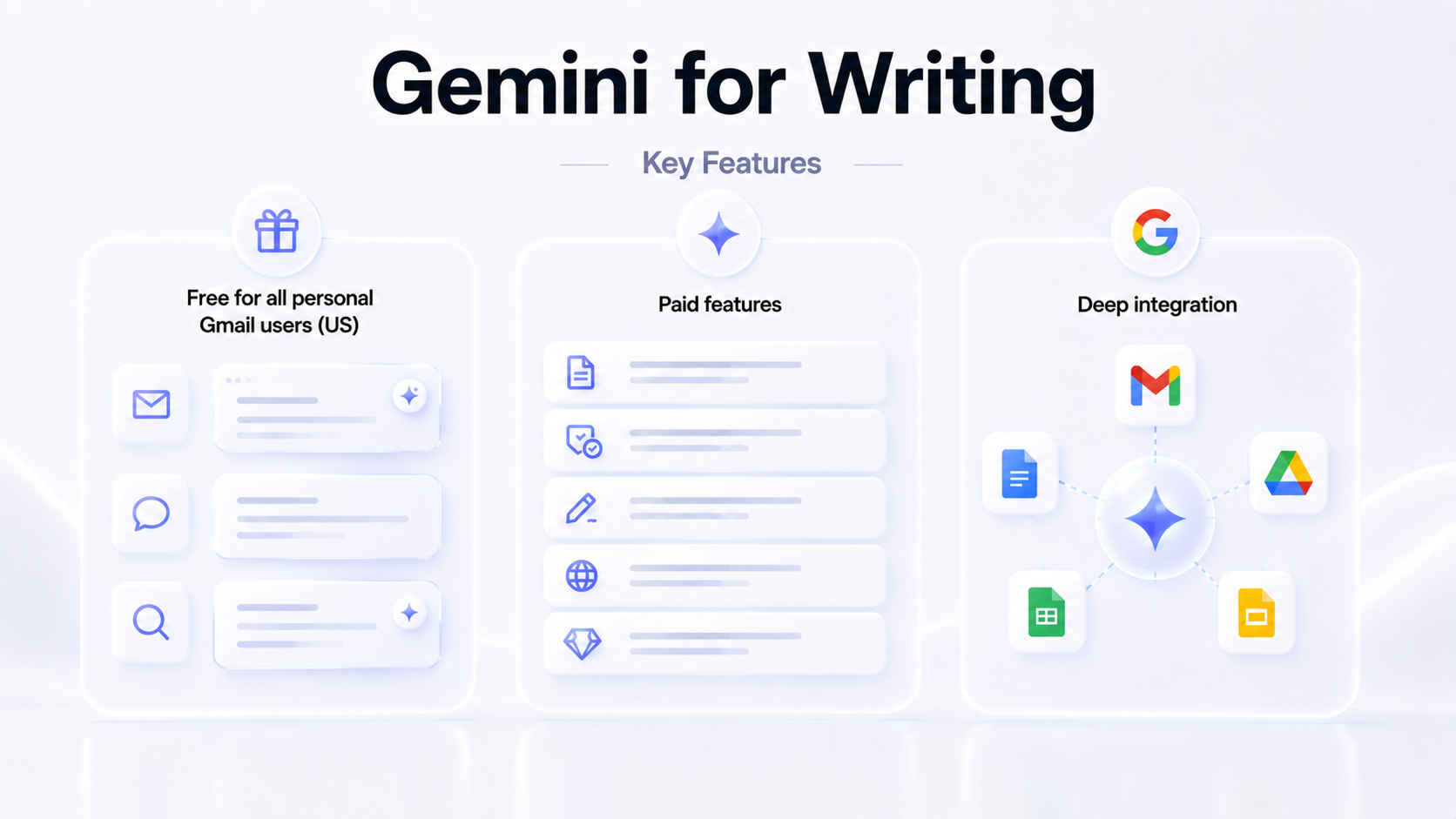
Google Gemini runs on Gemini 3.1 Pro for paid users and Gemini 3 Flash by default. The differentiator is integration: Gemini works inside Gmail, Docs, Sheets, Slides, and Drive rather than as a separate browser tab.
Three core writing features are free for all personal Gmail users in the US:
- Help Me Write drafts emails directly in the Gmail compose window with full thread context. Refinement options include Formalize, Elaborate, and Shorten.
- Suggested Replies go beyond generic Smart Replies by matching your tone and writing style.
- AI Overviews in search let you ask natural-language questions about your inbox and get summarized answers.
Paid features add:
- Gemini side panel in Docs, Sheets, and Slides
- Proofread in Gmail, with tone, conciseness, and active-voice suggestions
- Help Me Create in Docs, pulling source material from Drive, Gmail, and Chat
- Deep Research, browsing 100-plus web sources and returning cited multi-page reports
- Gems, pre-configured custom assistants for repeat tasks like brand-voice copywriting
For Workspace business accounts, Gemini is now built into all paid plans with no separate add-on required. Business Standard and above get Gemini across all Workspace apps.
Content Research and Summarizing Accuracy
Deep Research feature builds a multi-step research plan you can review before it runs, browses 100-plus web sources, and produces a multi-page cited report.
Every response also has a “Double-check” button that color-codes claims by verification status (green for verified, orange for ambiguous), which reduces post-publication fact-checking.
The 1-million-token context window handles roughly 1,500 pages of input. You can summarize long email threads with one click via AI Overviews in Gmail.
Speed of Replies
Gemini is the fastest in this comparison. Gemini 3 Flash outpaces ChatGPT’s default model by roughly 50% on raw output speed, and the newer Gemini 3.1 Flash-Lite (March 2026, currently API-only) is faster still. For email drafts and quick replies, the difference is noticeable.
Cons of Gemini for Writing
Creative and long-form writing is the weakness. G2 and Reddit reviewers consistently describe Gemini’s voice as “corporate,” “stiff,” or “robotic” for blog posts and marketing copy. It is reliable for business communication, but not the right AI for writing that needs personality.
Quality varies between sessions on similar prompts, and longer conversations sometimes lose context.
Pricing
$19.99/month (Google AI Pro, monthly billing). The Pro plan bundles 5 TB of Google storage, which makes the effective AI cost closer to $10/month if you were to buy that storage anyway. Free plan available.
Pricing Breakdown: Comparison of Free vs Paid Plans of AI-Powered Writing Tools
All four AI tools for writing offer a free plan and a $20-per-month entry tier. The real question is whether free is enough.
| Tool | Free plan | Free tier viable for daily work? | Starting paid plan |
|---|---|---|---|
| ChatGPT | GPT-5.3 Instant, 10 messages/5 hours, ads | No, the message cap is too tight | $20/month (Plus) |
| Perplexity | Unlimited basic, ~5 Pro Searches/day | Yes | $20/month (Pro) |
| Claude | Sonnet 4.6 + Haiku 4.5, ~30 to 100 messages/day | No, the message cap is too tight | $20/month (Pro) |
| Gemini | Gemini 3 Flash, generous limits, Gmail integration | Adequate for light use | $19.99/month (Google AI Pro) |
Verdict: for anyone writing more than two or three hours a day, the paid tier is required on every AI-powered writing tool except Gemini. And with Claude, you’ll likely need the Max plan starting at $100/month - usage credits run out super fast.