Let’s be honest: AI has stopped being a tech-industry buzzword and started showing up in people’s actual lives. Your coworker is using it to write emails. Your competitor is using it to run ads. Your 16-year-old sibling is using it to study. And somewhere in the back of your mind, you’ve probably thought: should I figure this out already?
Learning note: AI skills can improve your productivity, but they do not guarantee a job, promotion, income, or business result. Treat this as a practical learning roadmap, not a promise of career outcomes.
For adjacent reading, see free AI learning roadmap, AI courses for beginners, and prompt engineering.
Yes. Here’s how.
AI Skills in Demand in 2026 (Jobs, Freelance, Business)
The World Economic Forum’s Future of Jobs Report flagged AI and machine learning as the fastest-growing skill category globally – and that was before the current wave of AI tools made it genuinely accessible to non-engineers. By 2026, what’s changed isn’t just the tools. It’s the expectation.
Employers now list “AI tool proficiency” the same way they once listed “Microsoft Office.” Freelance platforms report surging demand for prompt engineers, AI content specialists, and automation consultants – many of whom have zero programming backgrounds. And businesses of every size are hunting for people who can actually implement AI workflows, not just talk about them in meetings.
This is the moment where knowing AI goes from “nice to have” to “you really should.”
Who Should Learn AI?
Short answer: nearly everyone. Longer answer – let’s break it down.
AI for Beginners With No Technical Background
You don’t need to understand how a car engine works to drive one. Same logic applies here. Tools like ChatGPT, Claude, and Gemini are designed for regular people. If you can type a sentence, you can start using AI today – for writing, research, planning, customer emails, you name it.
Business Owners and Entrepreneurs
If you run a business and you’re not experimenting with AI yet, you’re already behind some of your competitors. AI can compress the time it takes to do market research, write marketing copy, handle repetitive customer service queries, and even prototype new product ideas. Not because it’s magic – but because it’s fast and cheap labor for cognitive tasks.
Students and Career Switchers
Here’s a fact that’s easy to overlook: learning AI in 2026 doesn’t take years. A motivated person can go from zero to genuinely useful in 8–12 weeks of focused, hands-on practice. For students entering the job market and career switchers looking for an edge, this is one of the highest-ROI skills you can pick up right now.
Developers and Data Professionals
If you already code, AI tools should be baked into your daily workflow – not as a shortcut, but as a force multiplier. GitHub Copilot, Claude in the terminal, AI-assisted data analysis in notebooks – these aren’t cheating, they’re the new baseline. The developers pulling ahead are the ones who’ve learned to pair their technical depth with AI’s speed.
Marketers, Creators, and Freelancers
Content production, SEO briefs, ad copy, social media strategy, video scripts – AI has compressed what used to take a team into what one person can now do solo. Freelancers who’ve learned to use AI as a production partner are booking more work, not less, because they can deliver faster and at higher quality.
How to Learn AI For Everyone Without Coding (No-Code & Low-Code Tools)
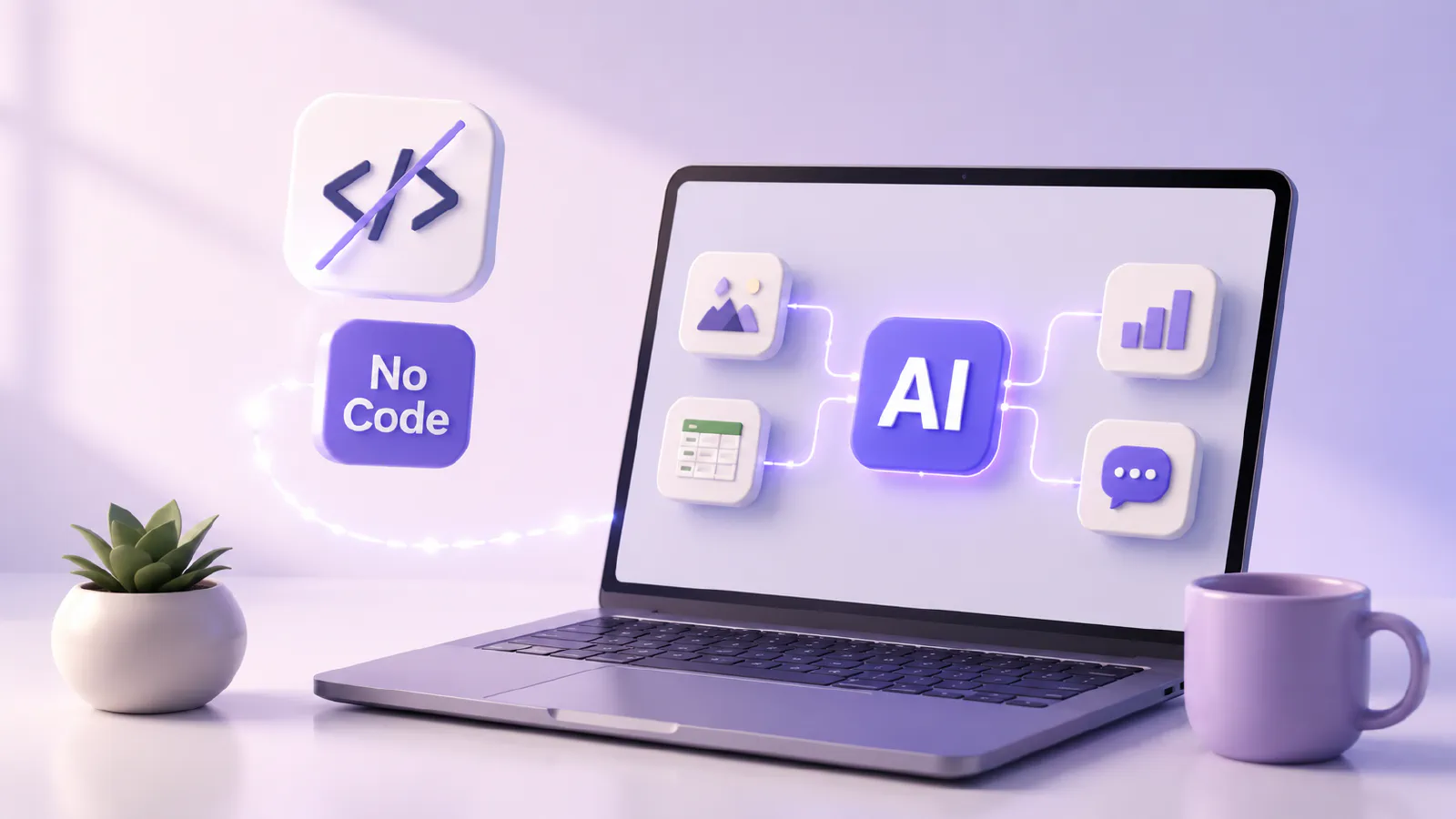
Here’s where things get interesting for most people: you genuinely don’t need to code.
Best No-Code AI Tools for Beginners (ChatGPT, Claude, Gemini)
These three are the entry point for most people. ChatGPT from OpenAI, Claude from Anthropic, Gemini from Google – each has a free tier, a chat-based interface, and the ability to help with writing, summarizing, analyzing, planning, and answering questions. Start with one. Spend two weeks with it before trying the others. Real familiarity beats shallow exposure every time.
AI Automation Tools (Zapier, Make, AI Agents)
Once you’re comfortable with a chatbot, the next step is automation. Zapier and Make (formerly Integromat) let you connect AI tools to your existing apps – Gmail, Slack, Notion, spreadsheets – without writing a single line of code. AI agents (autonomous AI systems that can perform multi-step tasks) are increasingly built into these platforms. You can set up a workflow that monitors your inbox, categorizes emails, and drafts replies – all automated, all without coding.
Building AI Projects Without Programming
The fastest way to learn is to build something real. Pick a problem you actually have – summarizing meeting notes, generating product descriptions, building a FAQ bot for your website – and solve it using no-code AI tools. The learning that comes from solving a real problem is 10x faster than watching tutorials.
Prompt Engineering Basics for Non-Developers
Prompt engineering sounds fancier than it is. It’s simply learning how to give AI clear, specific instructions. The difference between a vague prompt (“write something about my product”) and a good one (“write a 150-word product description for a standing desk targeted at remote workers who have back pain”) is enormous. Learn this skill early. It’s the foundation of everything.
Practical Ways to Learn AI Faster
Hands-On AI Projects for Beginners
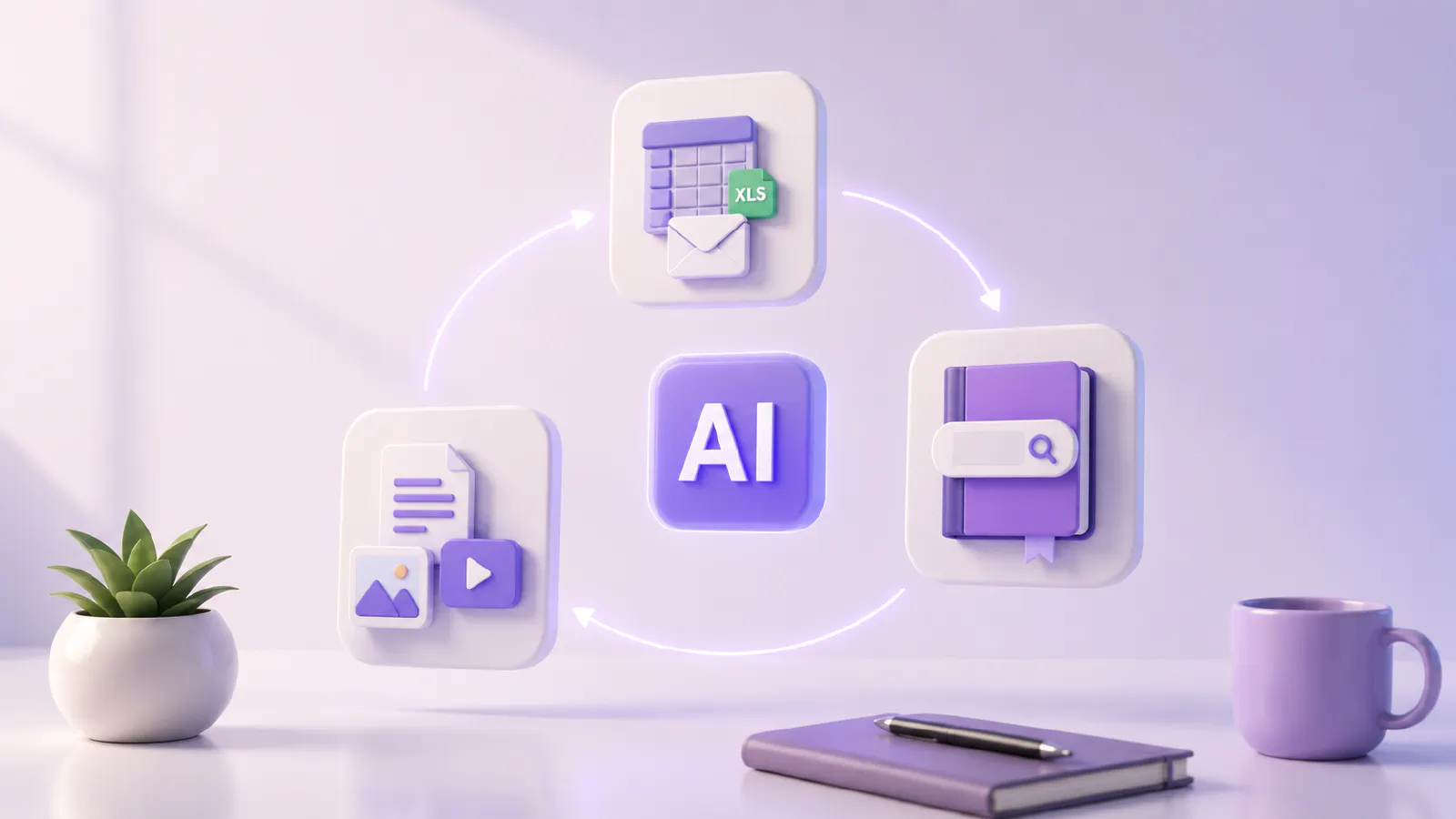
Here are some starter projects that actually teach you something:
- Automate weekly reports: You can ask ChatGPT or Claude to summarize information from a spreadsheet and email it to you.
- Create a personal knowledge base: You upload PDFs or articles into a tool like NotebookLM and ask it questions.
- Build a content process: Use AI to draft, edit and repurpose one piece of content in three formats.
How to Practice AI Daily (Even With Limited Time)
You don’t need a dedicated “AI study hour.” The trick is replacing existing tasks. Next time you write an email, draft it with AI first. Next time you need to research a topic, start with an AI summary. Next time you’re stuck on a decision, talk it through with Claude or ChatGPT. Twenty minutes a day of real usage beats three hours of passive learning.
Learning AI by Solving Real-World Problems
The people who progress fastest aren’t taking courses in sequence. They’re finding friction points in their actual work and using AI to remove them. Every problem you solve with AI teaches you something a tutorial can’t.
Building an AI Portfolio That Gets You Hired
Document what you build. Screenshots, short case studies, or even a simple Notion page showing “problem → AI tool used → outcome” is enough. Hiring managers in 2026 want to see evidence of real application, not AI for everyone certification.
Career Opportunities After Learning AI
Entry-Level AI Jobs in 2026
New and emerging job roles, such as AI prompt engineer, AI content specialist, AI operations coordinator, and AI trainer, are becoming more prevalent. Most do not require a computer science degree. What they’re looking for are those who can leverage AI tools, communicate effectively, and troubleshoot effectively.
Freelancing With AI Skills
On platforms like Upwork and Toptal, AI-related freelance work has been among the fastest-growing categories. AI content creation, chatbot setup, automation workflow building, AI-powered research – clients are willing to pay real money for people who can execute these things.
How to Use AI to Start a Business
Solo AI-powered businesses are becoming a legitimate category. One person with strong AI skills can now run a content agency, an SEO consultancy, a market research service, or a custom chatbot business with minimal overhead. The tools are cheap. The barrier is knowing how to use them.
AI Salary Expectations and Job Growth
Salaries for roles explicitly tied to AI vary widely, but mid-level AI practitioners in the US were earning $90,000–$140,000 in 2025, with higher figures for specialized roles. More importantly, workers in non-AI roles who demonstrate AI proficiency are increasingly commanding salary premiums. It’s becoming a differentiator inside traditional job categories, not just a standalone career.
Step-by-Step AI Learning Roadmap for Beginners
Do You Need Coding to Learn AI in 2026?
In most cases – no. In the case of achieving efficient usage of AI tools, automating processes or roles in AI-related fields, coding is not mandatory. If you want to create AI models or work as a machine learning engineer or research in AI, yes – you will need to code. Find out what roads you are taking before making your decision.
Best Programming Languages for AI (Python, R, JavaScript)
If you do want to learn to code for AI, Python is the default. Supports most of the AI/ML libraries (TensorFlow, PyTorch, scikit-learn, Hugging Face). R is useful for statistics and data science! The increasing importance of JavaScript in creating web-based AI applications. If you do want to use one, begin with Python.
Understanding AI Basics: Machine Learning, NLP, and Computer Vision
PhD is not required to understand these. Machine learning is the process of training a machine to see patterns in data without human intervention, rather than programming each rule. The branch responsible for text and speech is called Natural Language Processing (NLP) and is the reason behind the ability of chatbots and translation services to follow you. Computer Vision is the use of AI with images and video – this is how your phone can recognize your face.
Understanding these three at a conceptual level makes everything else click faster. You don’t need to build them. You need to know what they can and can’t do.
Conclusion
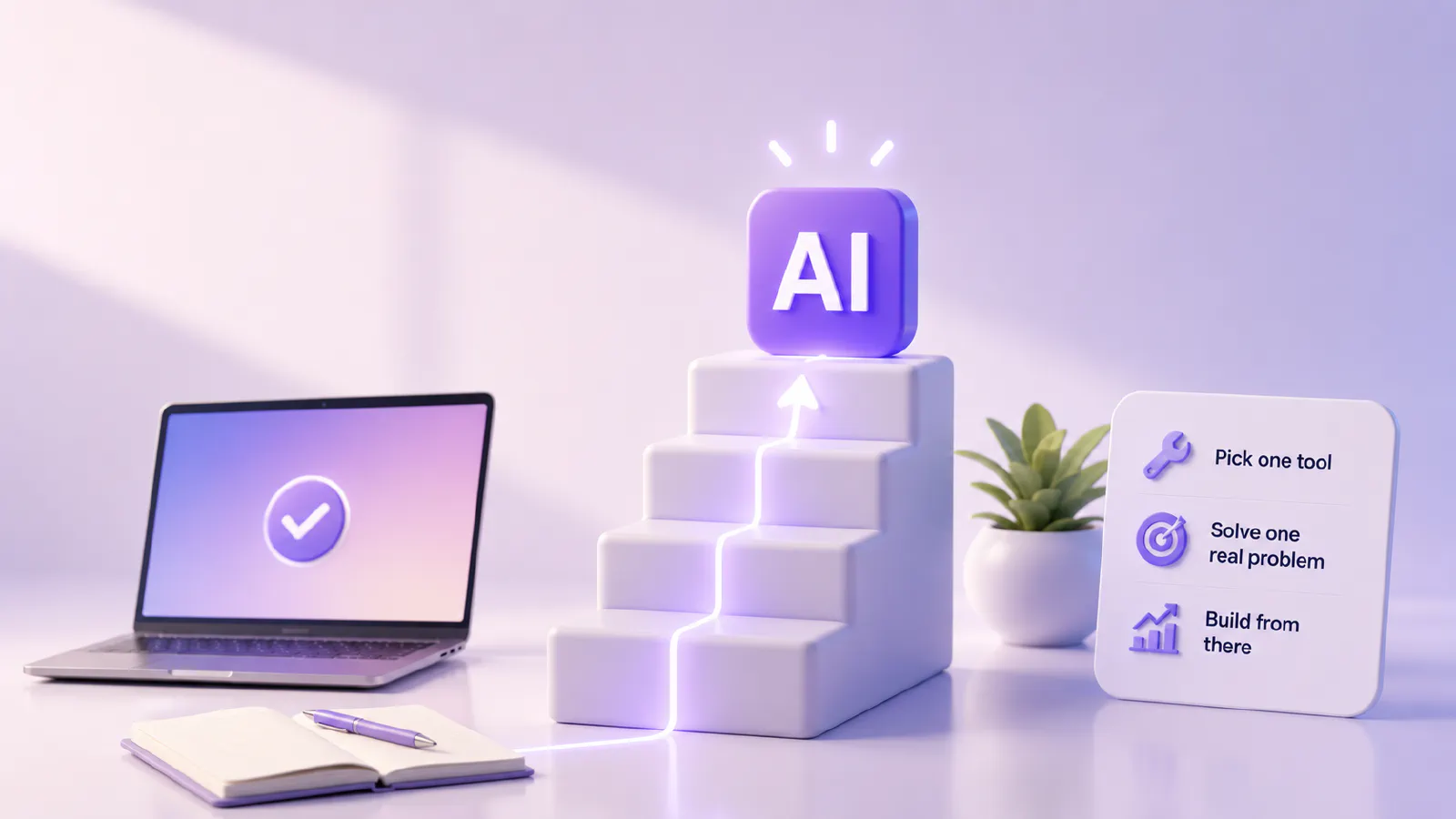
The honest truth about learning AI in 2026 is that the barrier isn’t technical anymore. It’s motivational. The tools are accessible. The resources are everywhere. AI for everyone certification is not necessary. What separates people who benefit from AI and people who just read about it is actually starting – picking one tool, solving one real problem, and building from there.
That’s it. That’s the whole secret.