
Your company just rolled out an AI initiative and gave you ninety days to prove you can use it.
Or maybe you’ve watched three coworkers build side income with AI tools, and you’re wondering if a real course would get you there faster than another weekend of YouTube tutorials.
So you decide to check the courses. And… find yourself overwhelmed by the booming generative AI course market.
A useful generative AI course should teach more than tool names. It should explain how generative AI works at a practical level, how to write effective prompts, how to use AI for writing, research, data, images, presentations, and workplace workflows, and how to check outputs safely. Beginners should choose a course with hands-on practice, current tools, responsible AI guidance, and real examples they can apply at work.
This guide sorts through that noise. It covers what an online generative AI course actually needs to teach, who benefits most from taking one, how to judge a certification before you pay for it, and where the common traps sit.
What is a generative AI course?
A generative AI course teaches you how to use AI chatbots like ChatGPT, Claude, and Gemini for real-world tasks.
Instead of focusing on how these models are built, it shows you how to apply them at work through techniques like effective prompting, tool selection, and workflow integration.
Generative AI course: quick curriculum checklist
Before you enroll in anything, check the syllabus against this list.
Course providers use different names for these modules, but a generative AI training missing more than one or two of them is incomplete.
| Module | What It Teaches | Practical Output |
|---|---|---|
| Generative AI foundations | How large language models work, what they can and can’t do, where they hallucinate | You know what a large language model can’t do, so you’re not caught off guard by a confident wrong answer. |
| Prompt engineering | Zero-shot, few-shot, persona, and chain-of-thought prompting | Prompts that get usable output on the first or second try |
| Working across tools | ChatGPT, Claude, Gemini, and workplace tools like Copilot | You pick the right tool for your tasks instead of defaulting to whatever you tried first |
| Writing and editing workflows | Drafting, tightening, and revising with AI as a starting point | Faster first drafts of reports, emails, and proposals |
| Research and summarization | Synthesizing documents, meetings, and long inputs | A one-page summary instead of a two-hour read |
| Spreadsheet and data support | Drafting formulas, interpreting data, summarizing reports | Fewer stuck moments in Excel or Sheets |
| Image, presentation, and content workflows | Brainstorming and generating visuals for decks and documents, generating whole presentations | A usable first pass on slides instead of a blank template |
| Workplace automation basics | Chaining tasks, understanding AI agents at a beginner level | You spot where a repetitive task could run itself |
| Responsible AI, privacy, and ethics | Bias, data handling, and when to verify AI output | You know what not to paste into a chatbot |
| Portfolio or practice exercises | Real projects you build during the course | Something to show a manager or a hiring interview, not just a badge |
If you want a comparison of tools before committing to one course’s toolset, the best AI tools for business and the best AI tools for content creation are useful side references.
Beginner learning path for generative AI
What a beginner learning path for generative AI looks like week to week:
- Weeks 1–2: Run five to ten prompts a day against real questions from your own inbox or calendar, not tutorial examples. Notice which ones fail and rewrite them until they work.
- Weeks 3–6: Pick two recurring tasks from your job, a weekly report, a client email, a meeting summary, and run them through AI daily until the output needs almost no editing.
- Weeks 6–8: Save your best three to five outputs as a small portfolio. It could just be a document with the AI workflows you’re using. Use it in your next performance conversation or client pitch, not just as a private file.
- Weeks 8–10: Add one responsible-use check to your routine, verifying facts and rereading for tone, before anything AI-drafted goes out under your name.
- Beyond week 10: Dedicate regular time to experiment with AI for your repetitive tasks, and to explore use cases from people in your profession. Find an accountability buddy to keep from skipping experiments. When you’re networking, ask what people are using AI for as a source of inspiration.
The portfolio step tends to get skipped, and it’s the one that matters most. A portfolio of real work outputs, a rewritten report, a research summary, a reusable prompt library, tells an employer more than any certificate on its own.
Coursiv’s 28-day AI challenge is one structured way to build that portfolio through daily practice, if you want steps instead of a blank page.
Who should take a generative AI course?
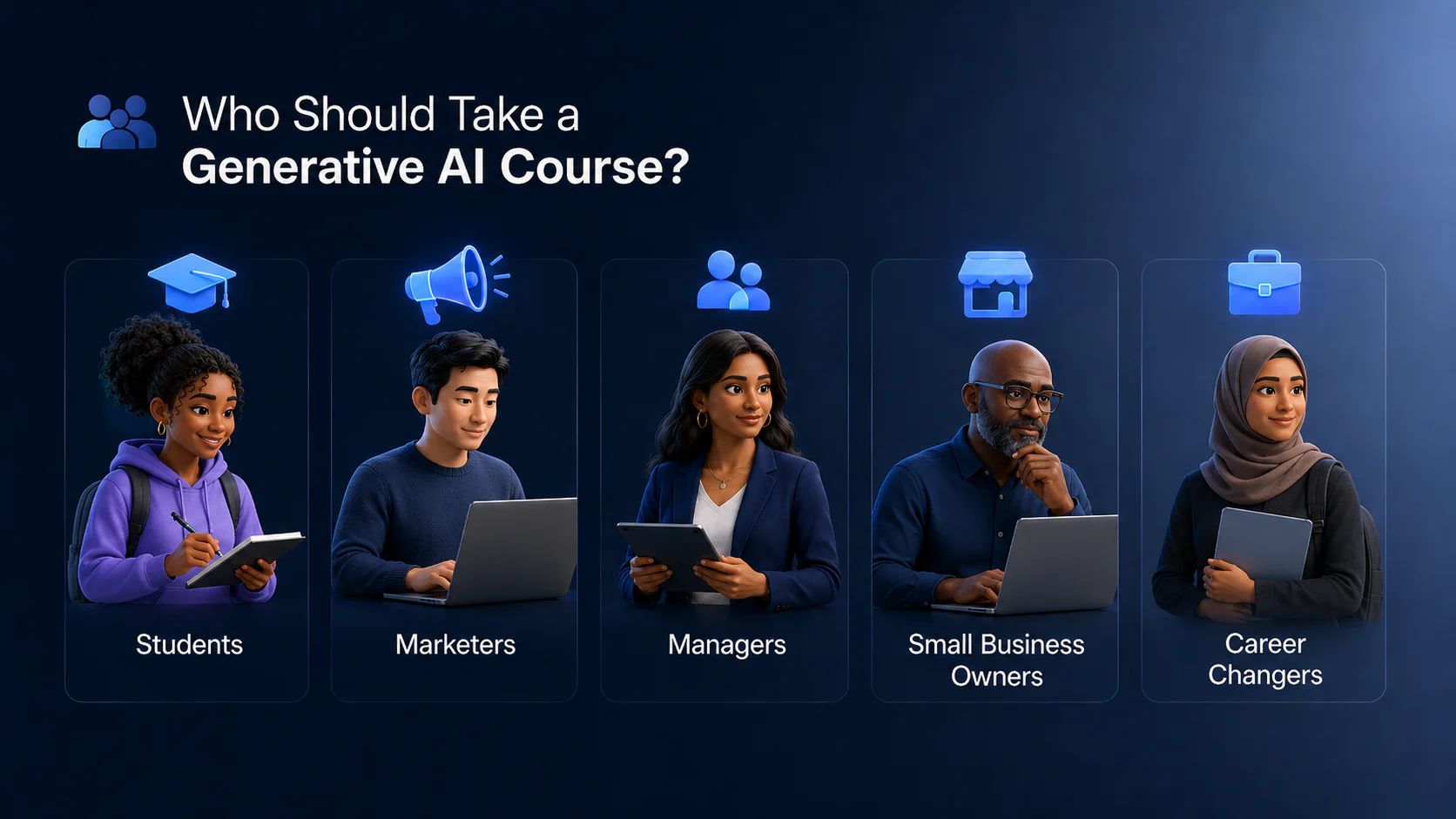
The short answer is almost anyone with a knowledge-work job should take at least a beginner-friendly AI course. Though the reasons differ by group.
Students are entering a job market that already expects baseline AI fluency. A generative AI course gives them applied skills for a resume, not just theory from a lecture hall.
Marketers are expected to produce more content across more channels with the same headcount. A course that builds real drafting and campaign-research workflows turns AI into daily output capacity, not just a faster way to write one email.
Managers are increasingly expected to model AI use for their teams, not just approve the budget for it. A course gives them enough hands-on fluency to evaluate what their reports build.
Small business owners are closing a specific capacity gap, marketing copy, customer emails, basic reporting, without hiring or paying a contractor for tasks AI can now handle directly.
Career changers need a portfolio of applied AI work fast, since target roles increasingly list AI fluency as a baseline expectation rather than a differentiator.
There’s also a specific gap worth knowing about if you’re an experienced professional. Adults under 50 are about twice as likely as those 50 and older to report using ChatGPT, and workplace AI adoption follows a similar pattern by age (Pew Research Center, “Americans and AI 2026”).
That’s not bad news. It means a professional in their late 40s or 50s who builds real, demonstrable AI skill stands out more than someone in an age group where everyone already uses these tools by default.
Generative AI course vs prompt engineering course
These two overlap, but they answer different questions.
A generative AI course situates prompting inside a bigger picture: what the technology is, how to choose between tools, how to build a workflow, and how to use AI responsibly. Prompting is one part of that, not the whole course.
A prompt engineering course goes narrower and deeper into a single skill. These courses concentrate on prompt patterns, few-shot examples, and testing prompts against real tasks, often with graded assignments where you build and refine prompts directly.
For a non-technical professional, the practical order is broad first, narrow second.
Start with a generative AI course to build orientation and get comfortable moving between tools and tasks. Once that’s solid, a prompt engineering certification can be a reasonable next step at that point, once you already have the broader context to use it well.
Generative AI certification: what to check
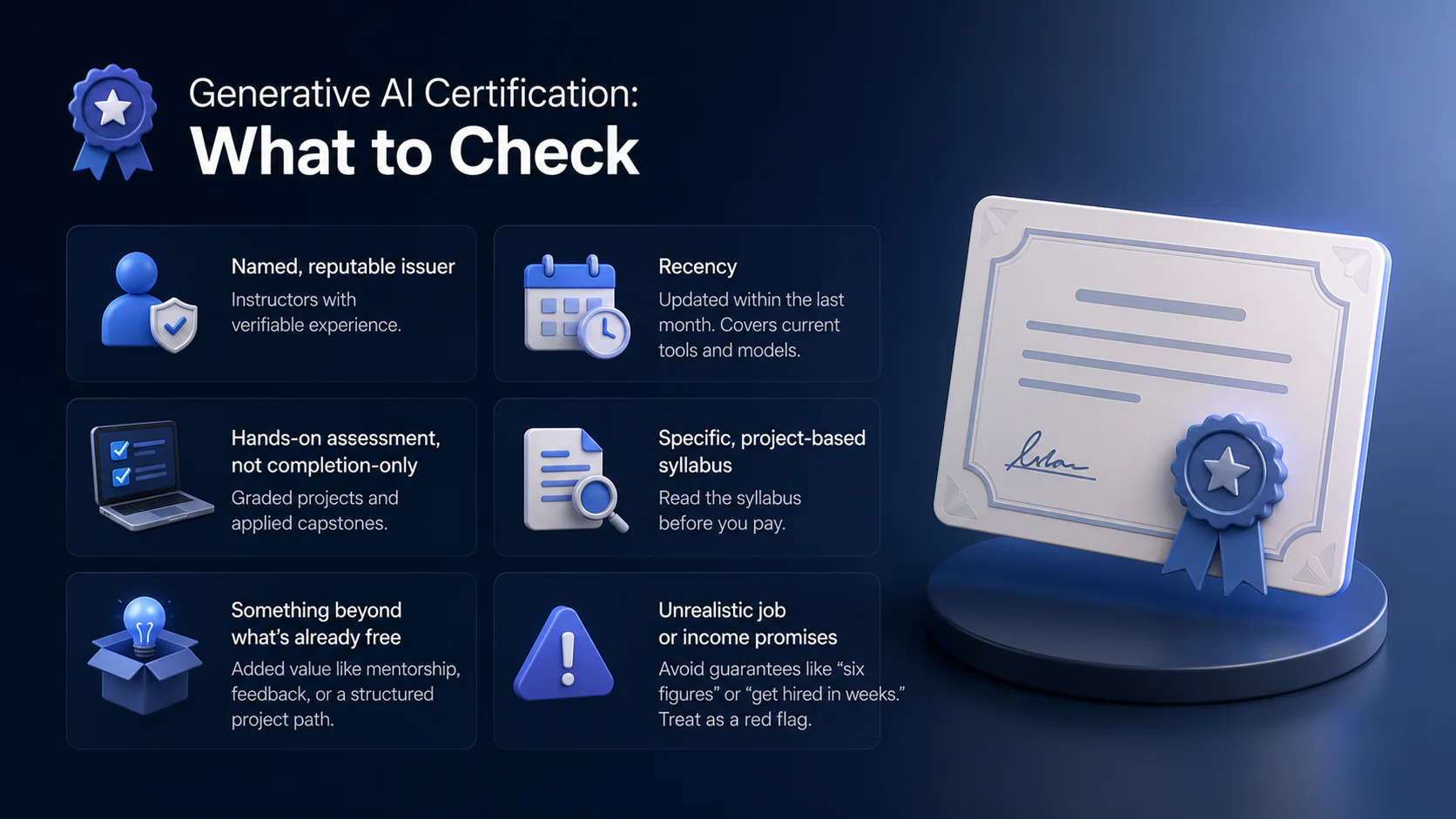
Most generative AI certifications out there are certificates of completion, not holding formal accreditation. So be suspicious if a course is marketed as holding it.
The best generative AI certification matches all these criteria:
- A named, reputable issuer with instructors who have verifiable experience.
- Recency. Should have been updated within the last month. The syllabus should cover current tools and models, not a snapshot from two AI generations ago.
- Hands-on assessment, not completion-only. Look for graded projects and applied capstones, not just a “watched the videos” badge.
- A specific, project-based syllabus you can read before you pay, not a vague list of topics.
- Something beyond what’s already free. Plenty of solid generative AI for beginners material is already free from major providers, so a paid certificate should add mentorship, feedback, or a structured project path ー something worth the price.
- Unrealistic job or income promises. Phrases like “guaranteed six figures” or “get hired in weeks” are marketing, not outcomes anyone can honestly promise, Coursiv included. Treat any claim like that as a reason to look elsewhere, not a reason to sign up faster.
Mistakes to avoid when choosing a generative AI course
A few patterns show up again and again in course selection, and most of them are easy to catch once you know what to look for.
- Choosing a “build” course when you need a “use” course. This is the most consistently cited mistake in course selection. Builder-track courses teach Python, fine-tuning, RAG pipelines, and model architecture, valuable for engineers, useless for a marketer or analyst who needs usable output from ChatGPT. Most learners who end up frustrated enrolled in the wrong track, not a bad course.
- Picking a course based on the tool, not the skill. Enrolling in a “ChatGPT course” or a “Midjourney course” ties your learning to one interface that will change or get replaced. Practitioners consistently flag that prompt templates and tool-specific workflows break when models update, while a course organized around transferable skills, prompting, research, synthesis, holds up regardless of which tool you’re using next year.
- Skipping the level check. A common pattern in instructor data: beginners enroll in technically advanced courses after seeing hype online, stall out, and abandon the course. Experienced professionals do the opposite, sitting through foundational modules with no fast-track option. Neither group ends up with usable output.
- Choosing a course by discount instead of fit. Enrolling because something is 80% off during a flash sale, rather than because the syllabus matches your actual skill level and tools, is a common way people end up with an unused subscription. A course picked for its price gets abandoned as fast as it got purchased if it’s not actually the right level or track.
Final recommendation
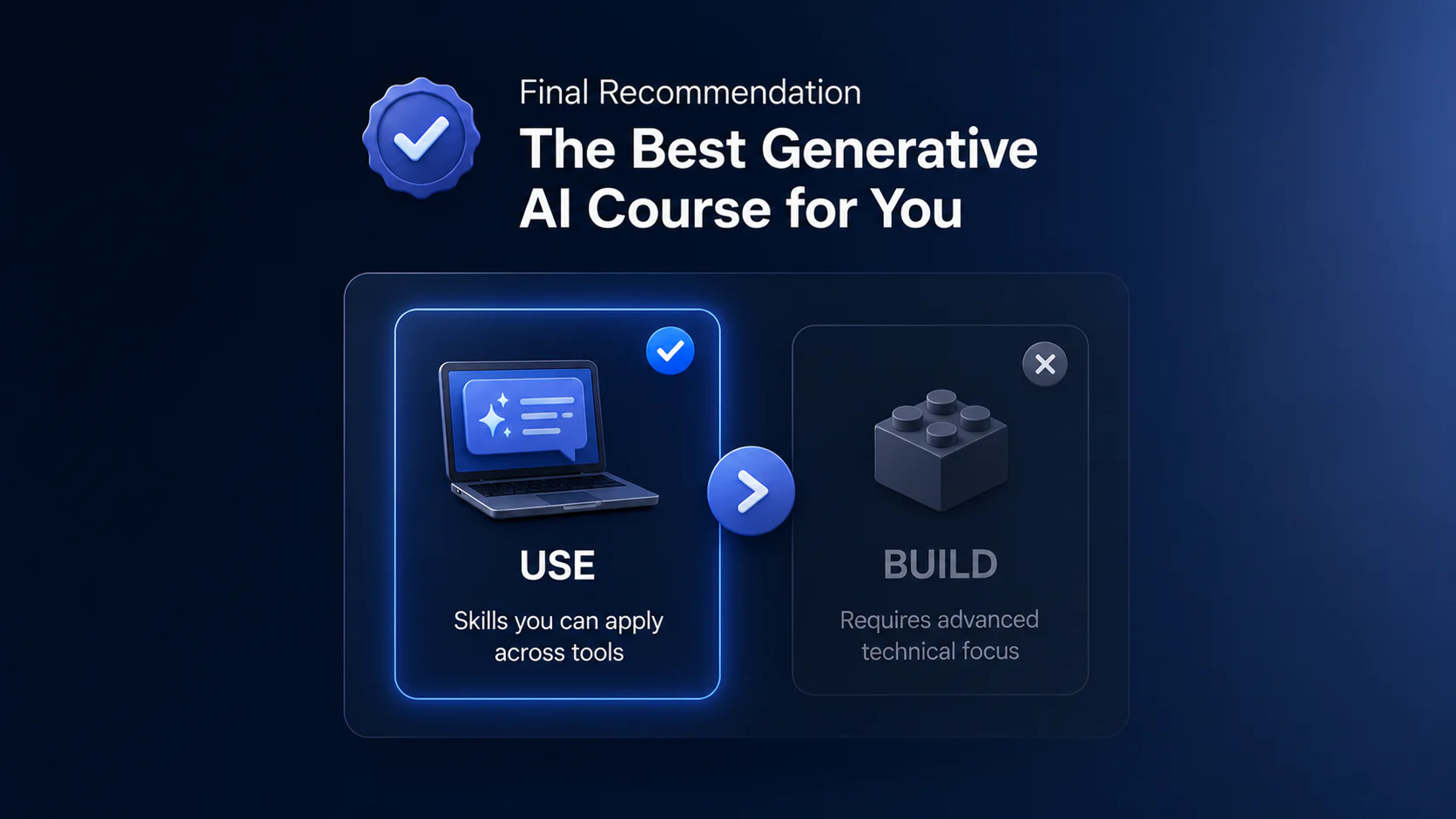
The best generative AI course for you is a “use” course, not a “build” one: organized around skills that transfer between tools, pitched at your actual level, and built on projects you keep afterward. Everything in this guide points back to that. If a course leaves you with a portfolio of real work instead of just a completion badge, it did its job.