Last updated: July 10, 2026
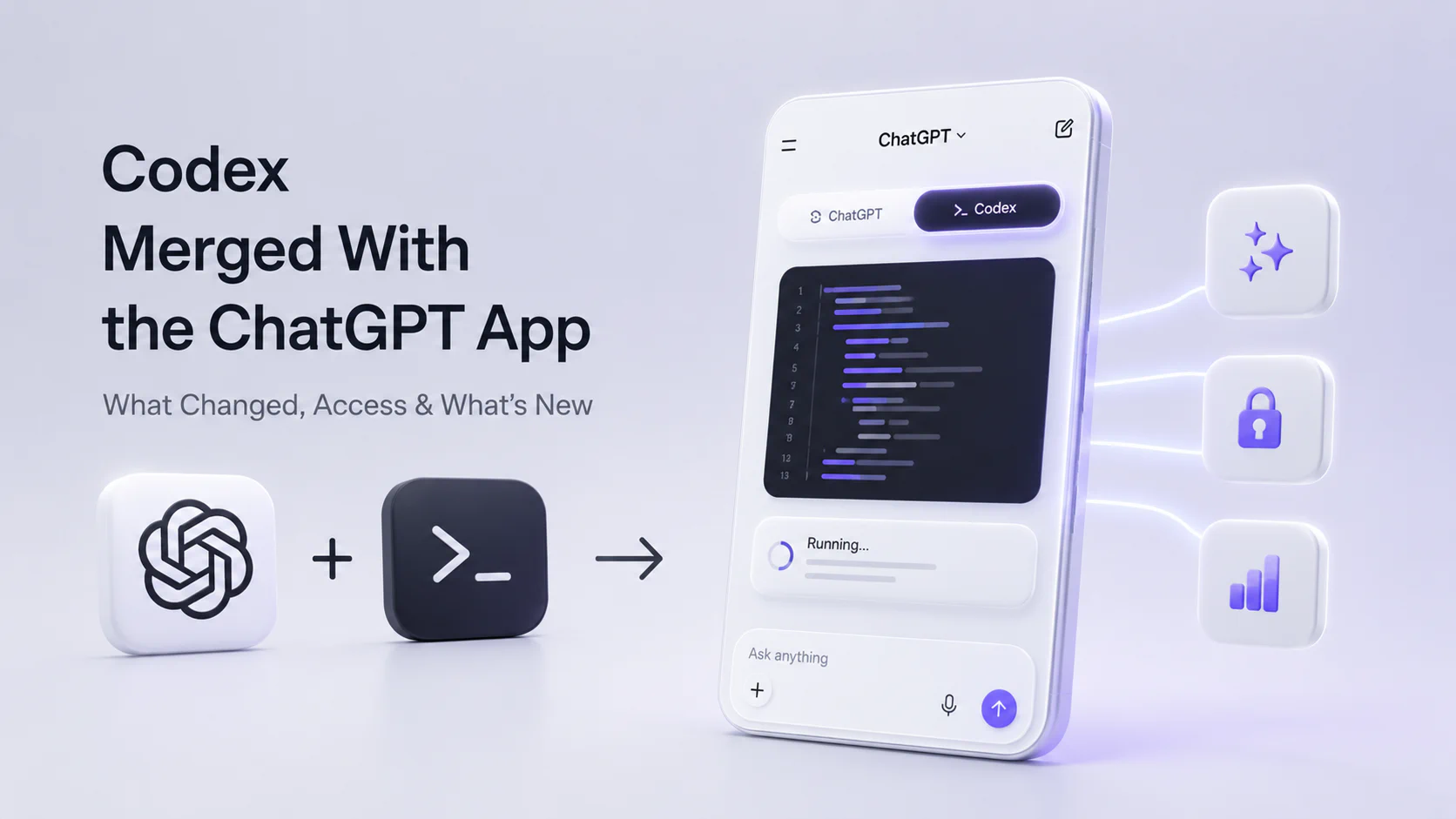
Codex merged with the ChatGPT app is the simple way many people will describe OpenAI’s July 2026 desktop app change. The more precise version: the Codex app is merging into the new ChatGPT desktop app, and Codex remains a dedicated coding experience inside that app.
Quick answer: On July 9, 2026, OpenAI said the Codex app is merging with the new ChatGPT desktop app for macOS and Windows. The new desktop app has Chat, Work, and Codex in one place. Existing Codex app users can update as usual, and the app becomes the new ChatGPT desktop app. The older ChatGPT desktop app is being renamed ChatGPT Classic.
Verified July 10, 2026
- OpenAI product announcement: ChatGPT is now a partner for your most ambitious work
- GPT-5.6 launch post: GPT-5.6: Frontier intelligence that scales with your ambition
- ChatGPT Learn update: What’s new
Important: this article is about the ChatGPT desktop app and Codex desktop experience. It does not mean every Codex surface disappeared, and it does not mean Codex stopped being a coding agent.
Codex and ChatGPT App Merge: Key Facts
| Question | Current answer |
|---|---|
| Did Codex merge with ChatGPT? | Yes, for the desktop app. OpenAI says the Codex app is merging with the new ChatGPT desktop app. |
| Is Codex going away? | No. Codex remains a dedicated coding experience inside the ChatGPT desktop app. |
| When did this happen? | OpenAI announced the change on July 9, 2026. |
| What app should existing Codex users update? | Existing Codex app users can update as usual, and it becomes the new ChatGPT desktop app. |
| What happens to the old ChatGPT desktop app? | OpenAI says the existing ChatGPT desktop app will be renamed ChatGPT Classic. |
| Is it available on free plans? | OpenAI says the updated desktop app is available globally on Mac and Windows, with Chat, Work, and Codex available on every plan, including Free. |
| What powers the new Codex experience? | GPT-5.6 is a major part of the July 2026 update, especially for faster Computer Use and harder coding workflows. |
What Actually Changed?
Before this update, many users thought about ChatGPT and Codex as separate products:
- ChatGPT for conversation, writing, research, and general assistance.
- Codex for codebase work, diffs, pull requests, terminals, and developer workflows.
The July 2026 change pulls those modes into one desktop app. In the new ChatGPT desktop app, users can move between:
| Mode | What it is for |
|---|---|
| Chat | General ChatGPT conversations, questions, writing, and everyday assistance |
| Work | Longer agentic workflows across files, apps, plugins, docs, slides, sheets, Sites, and scheduled tasks |
| Codex | Developer and technical work across repositories, diffs, pull requests, terminals, and code changes |
That is the real meaning of the “Codex merged with ChatGPT app” headline. It is not a shutdown story. It is a product consolidation story.
What Is New in Codex Inside ChatGPT?
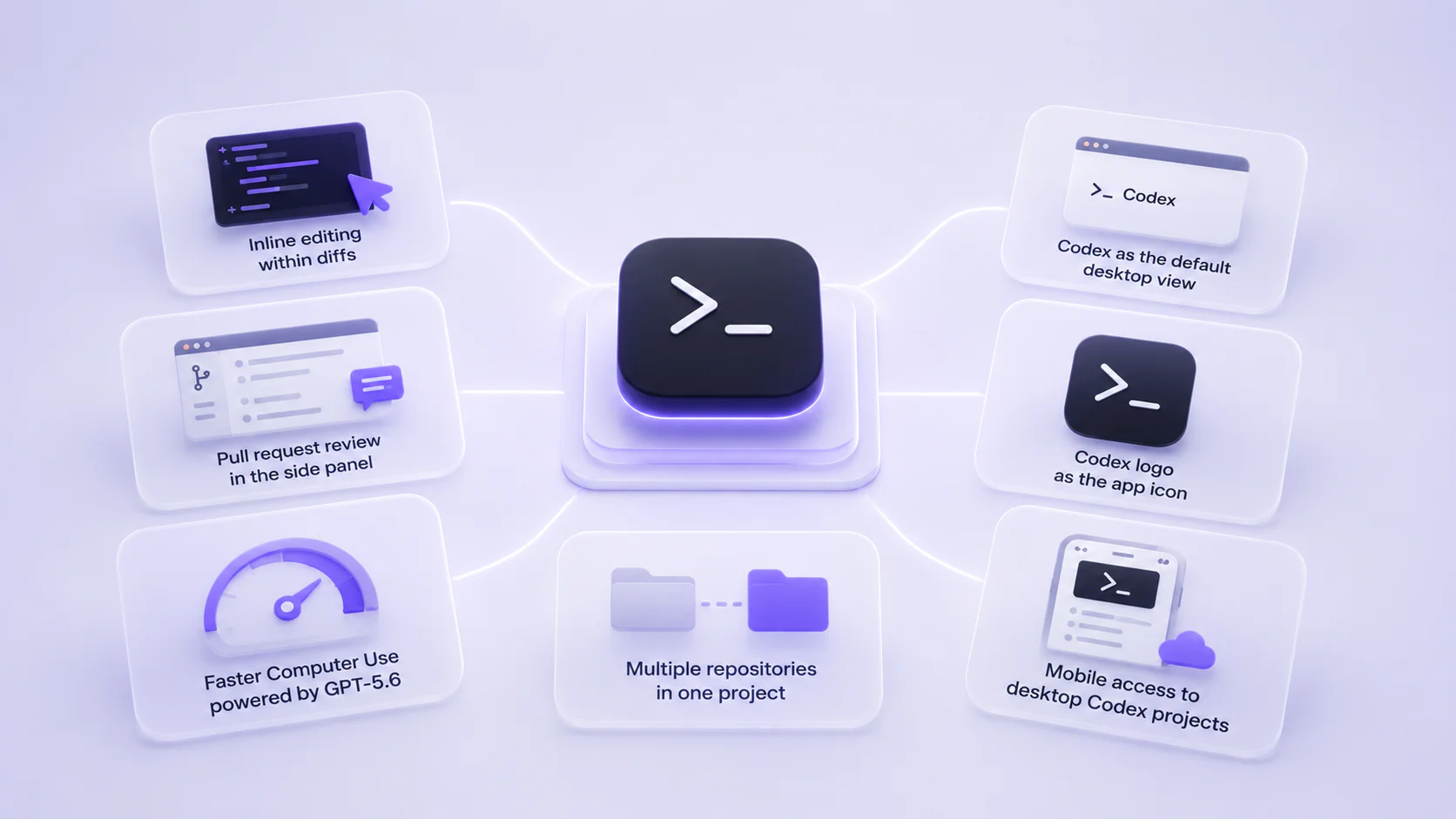
OpenAI lists several Codex improvements as part of the desktop app merge.
| New Codex capability | Why it matters |
|---|---|
| Inline editing within diffs | Developers can make and review code changes closer to the actual diff. |
| Pull request review in the side panel | PR review can happen inside the app instead of forcing constant context switching. |
| Faster Computer Use powered by GPT-5.6 | Codex can operate more quickly across desktop or browser workflows when computer use is needed. |
| Multiple repositories in one project | Larger tasks can span more than one repo without splitting the work into separate projects too early. |
| Codex as the default desktop view | Developers can open the app directly into Codex-style work. |
| Codex logo as the app icon | Users who mainly use Codex can keep a developer-oriented app identity. |
| Mobile access to desktop Codex projects | Desktop Codex projects remain accessible on the go through the ChatGPT mobile app. |
These changes are especially relevant for people who use Codex as a daily development workspace, not just as a code snippet generator.
Is Codex Still a Coding Agent?
Yes. OpenAI says Codex remains the coding agent for developers and technical professionals. The difference is that the desktop home changes.
The best mental model:
- Codex is still the coding workspace.
- ChatGPT desktop app is now the container.
- GPT-5.6 is the new frontier model powering more difficult work.
- ChatGPT Work brings Codex-style long-running work patterns to broader business workflows.
So if you search “what happened to Codex app,” the answer is: the standalone desktop app path is being folded into the new ChatGPT desktop app, while the Codex experience continues inside it.
Why OpenAI Merged Codex Into ChatGPT Desktop
OpenAI’s July 9 announcement frames the move around ChatGPT Work, a new agentic work mode in ChatGPT. The bigger product direction is clear: ChatGPT is moving from answering questions toward completing longer tasks across files, apps, browsers, and connected tools.
Codex already had many of the ingredients for that:
- long-running tasks;
- local files and projects;
- codebase context;
- diffs and review;
- terminal and browser workflows;
- computer use;
- scheduled and background work patterns.
Bringing Codex into the ChatGPT desktop app lets OpenAI put those patterns next to everyday ChatGPT and broader Work tasks. A developer might debug a repo in Codex, create a launch site in Work, and ask general research questions in Chat without switching products.
How to Access Codex in the ChatGPT Desktop App
If you already use the Codex app, OpenAI says you can update it as usual and it will become the new ChatGPT desktop app.
For new or returning users:
- Install or update the ChatGPT desktop app for macOS or Windows.
- Open the app and look for Chat, Work, and Codex as available modes.
- Use Codex for codebase work, repository tasks, diffs, pull requests, and technical workflows.
- If you mainly use Codex, set Codex as the default view and choose the Codex logo as the app icon where available.
- Use the ChatGPT mobile app to check or continue desktop Codex projects while away from your computer.
Availability can still depend on account, workspace, admin settings, region, and staged rollout timing. For organizations, admins may also control which tools, plugins, connectors, and actions users can access.
ChatGPT Work vs Codex
ChatGPT Work and Codex now sit closer together, but they are not the same thing.
| Use this | When the job is mostly… |
|---|---|
| Chat | Asking, drafting, brainstorming, explaining, summarizing, and normal ChatGPT use |
| Work | Producing business outputs across apps and files: docs, slides, sheets, Sites, dashboards, reports, recurring workflows |
| Codex | Reading repositories, editing code, reviewing pull requests, running commands, debugging, testing, and technical projects |
There will be overlap. A product launch workflow might use Work for a brief and Codex for a project tracker or internal site. A software migration might use Codex for the code and Work for the rollout memo. The useful shift is that the app can hold more of the workflow in one place.
How GPT-5.6 Fits In
The Codex merge landed alongside the GPT-5.6 launch. That matters because GPT-5.6 is the model family OpenAI now positions for harder agentic work.
For Codex, GPT-5.6 matters most in:
- repository-scale coding;
- code review;
- multi-step debugging;
- faster Computer Use;
- complex tool and browser workflows;
- security-oriented review;
- larger workstreams that benefit from
maxorultraeffort.
For the broader model story, see our ChatGPT 5.6 guide and GPT-5.6 Sol guide.
What Developers Should Do Next
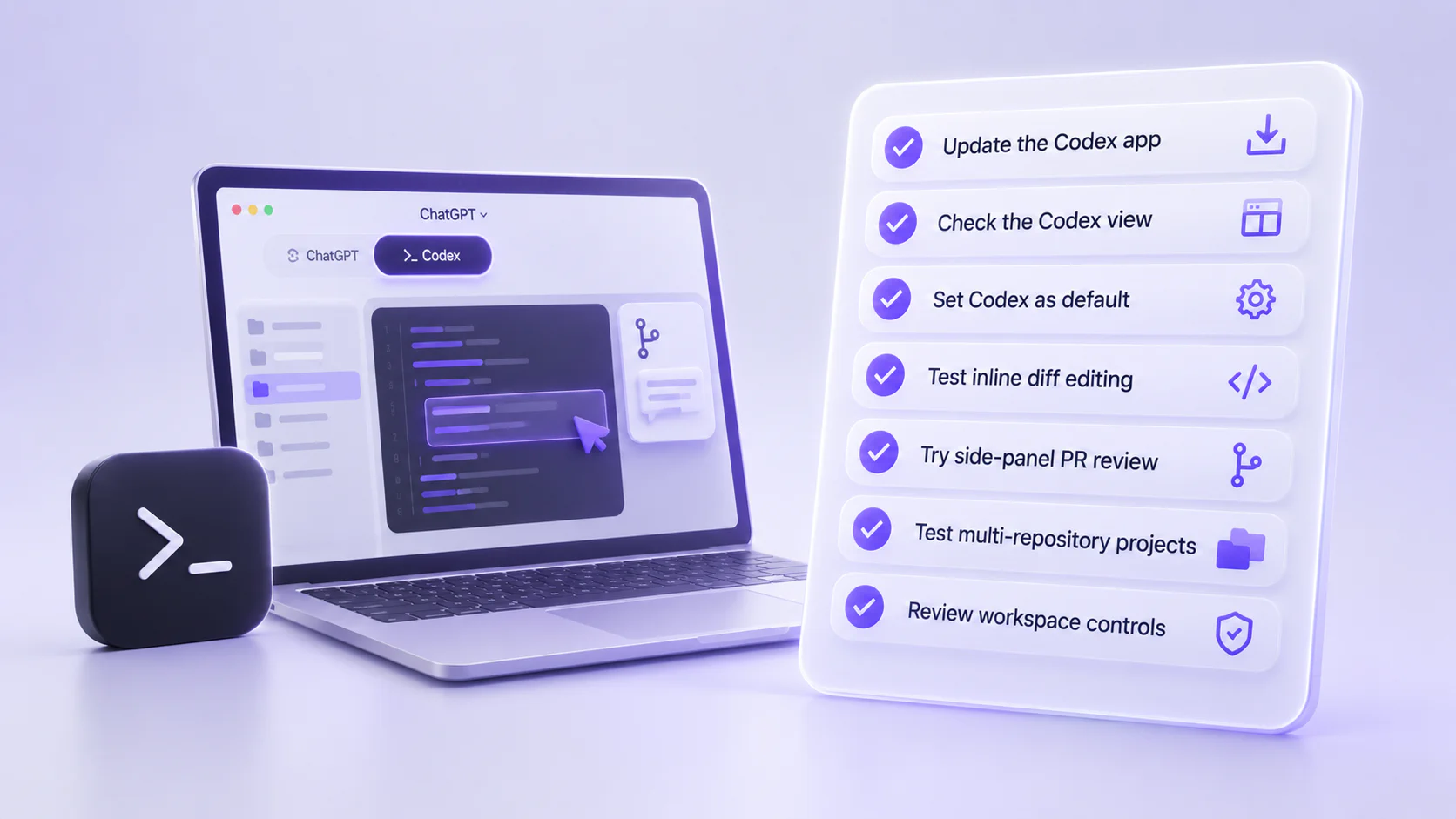
If you use Codex every day, the practical checklist is simple:
| Step | Why it matters |
|---|---|
| Update the Codex app | Existing Codex app users are moved into the new ChatGPT desktop app path. |
| Check the Codex view | Make sure your repos, projects, and default workflow are where you expect them. |
| Set Codex as default if needed | Developers can keep a Codex-first desktop workflow. |
| Test inline diff editing | This is one of the most important day-to-day coding changes. |
| Try side-panel PR review | Useful if you review pull requests often. |
| Test multi-repository projects carefully | Great for platform work, monorepos, shared libraries, and migrations, but worth validating with your own workflow. |
| Review workspace controls | Enterprise and team users should confirm admin settings, connectors, permissions, and network access. |
Bottom Line
Codex merging with the ChatGPT app is not the end of Codex. It is the next desktop home for Codex.
For users, the headline is simple: Chat, Work, and Codex now live together in the new ChatGPT desktop app. For developers, the important details are inline diff editing, pull request review in the side panel, faster GPT-5.6-powered Computer Use, multi-repository projects, and the ability to keep Codex as the default view.
FAQ
Did Codex merge with the ChatGPT app?
Is Codex going away?
What happened to the Codex app?
What happens to the old ChatGPT desktop app?
Can I still open Codex by default?
Is Codex in the ChatGPT desktop app free?
What new Codex features came with the ChatGPT desktop app merge?
Does this affect Codex CLI or the IDE extension?