Claude and ChatGPT can both write, debug, explain, and review code, but the best choice in 2026 depends on whether you need supervised reasoning, async agent work, code review, or fast everyday help.
Quick answer: Claude is usually better for long-context code review, careful refactors, and terminal-first Claude Code workflows. ChatGPT is usually better for broad ecosystem support, quick framework help, Codex-powered async coding, data/Python workflows, and teams already standardized on OpenAI tools.
Claude vs ChatGPT for coding by use case
| Coding use case | Better default | Why |
|---|---|---|
| Large codebase review | Claude | Strong long-context reasoning and careful explanations |
| Quick framework boilerplate | ChatGPT | Broad examples and fast iterations across common stacks |
| Terminal-first agent work | Claude Code | Works directly in the developer terminal and local repo |
| Async cloud delegation | Codex / ChatGPT | Better for background tasks, PR-style review, and parallel runs |
| Debugging with logs | Claude or ChatGPT | Claude for reasoning depth; ChatGPT for fast hypotheses and scripts |
| Data/Python notebooks | ChatGPT | Strong in-session analysis and Python workflow support |
| Production code review | Use both | One agent writes, another reviews, humans approve |
Source check: for this update, we checked the official Claude Code overview, Claude Code setup docs, Anthropic pricing docs, OpenAI Codex overview, and Codex pricing. For a deeper agent-specific comparison, read Claude Code vs Codex.
Review and Comparison of the Main Features and Advantages for Developers
This is not a “which one is better for everyone” piece. It is a practical look at what each assistant does well for coding, where each trips up, and how to use them separately or together.
ChatGPT Overview for Developers
Quick answer: ChatGPT is strongest when you need fast help across common frameworks, OpenAI/Codex workflows, Python/data analysis, and broad ecosystem support.
OpenAI’s coding experience now spans ChatGPT, Codex, API workflows, desktop/CLI surfaces, and cloud-agent patterns. For developers in mainstream stacks, the biggest advantage is not only model quality but also ecosystem breadth and workflow coverage.
Key Features that Give Developers Unique Capabilities
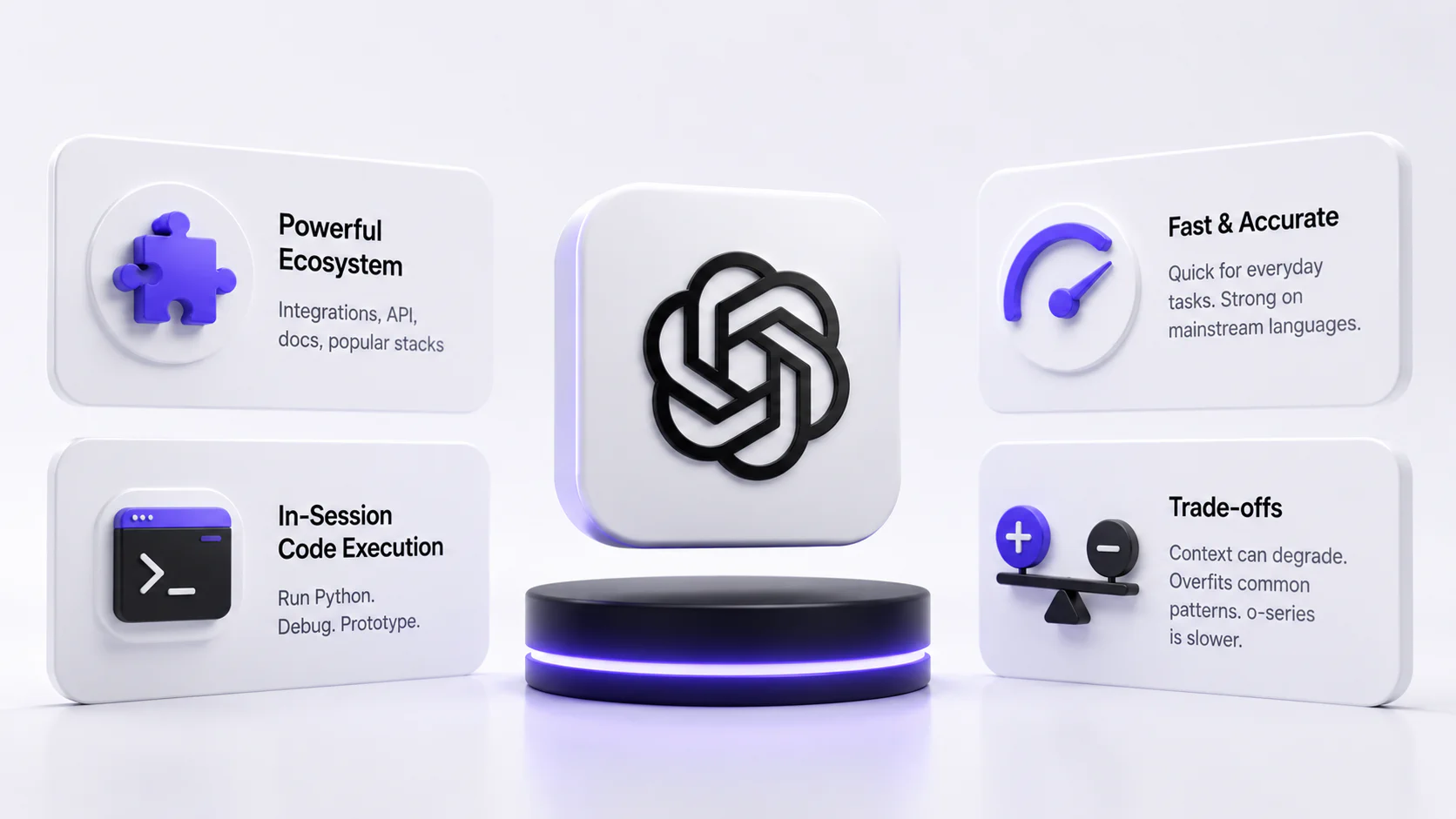
ChatGPT’s biggest structural advantage for developers is its ecosystem. The tool connects to a wide range of third-party integrations, has a mature API with extensive documentation, and benefits from a huge amount of training data specifically tied to popular frameworks like React, Django, and Spring Boot. Code Interpreter (now called Advanced Data Analysis) lets you actually run Python in-session, which is a real differentiator when you’re debugging data pipelines or prototyping algorithms.
Speed and Accuracy of the Replies
For standard tasks - “write a REST endpoint,” “refactor this function,” “explain what this regex does” - ChatGPT is fast. GPT-4o especially feels snappy. Where it slows down is with o-series models, which take longer because they’re doing more processing. That’s a real trade-off: more reliable output, but noticeably slower when you’re in a flow state.
Accuracy holds up well for mainstream languages. Python, JavaScript, TypeScript, Go - solid. Edge cases in niche languages or unusual frameworks can still trip it up.
Pros & Cons
Pros: Massive ecosystem, plugin integrations, in-session code execution, strong reasoning models, excellent documentation, widely supported in CI/CD pipelines.
Cons: Context window behavior can degrade over very long sessions, outputs can sometimes feel “overfit” to common patterns (misses the specific edge case in your codebase), and the o-series models introduce latency that disrupts rapid iteration.
Claude Overview for Coding
Quick answer: Claude is strongest when you need careful reasoning over larger context, code review, architecture discussion, and Claude Code terminal workflows.
Anthropic’s Claude stack took a noticeably different path: careful reasoning, long-context work, and Claude Code as a terminal-native coding agent. Claude tends to explain tradeoffs clearly and is often more explicit when it is uncertain. For coding, that matters more than it sounds.
Key Features that Give Developers Unique Capabilities
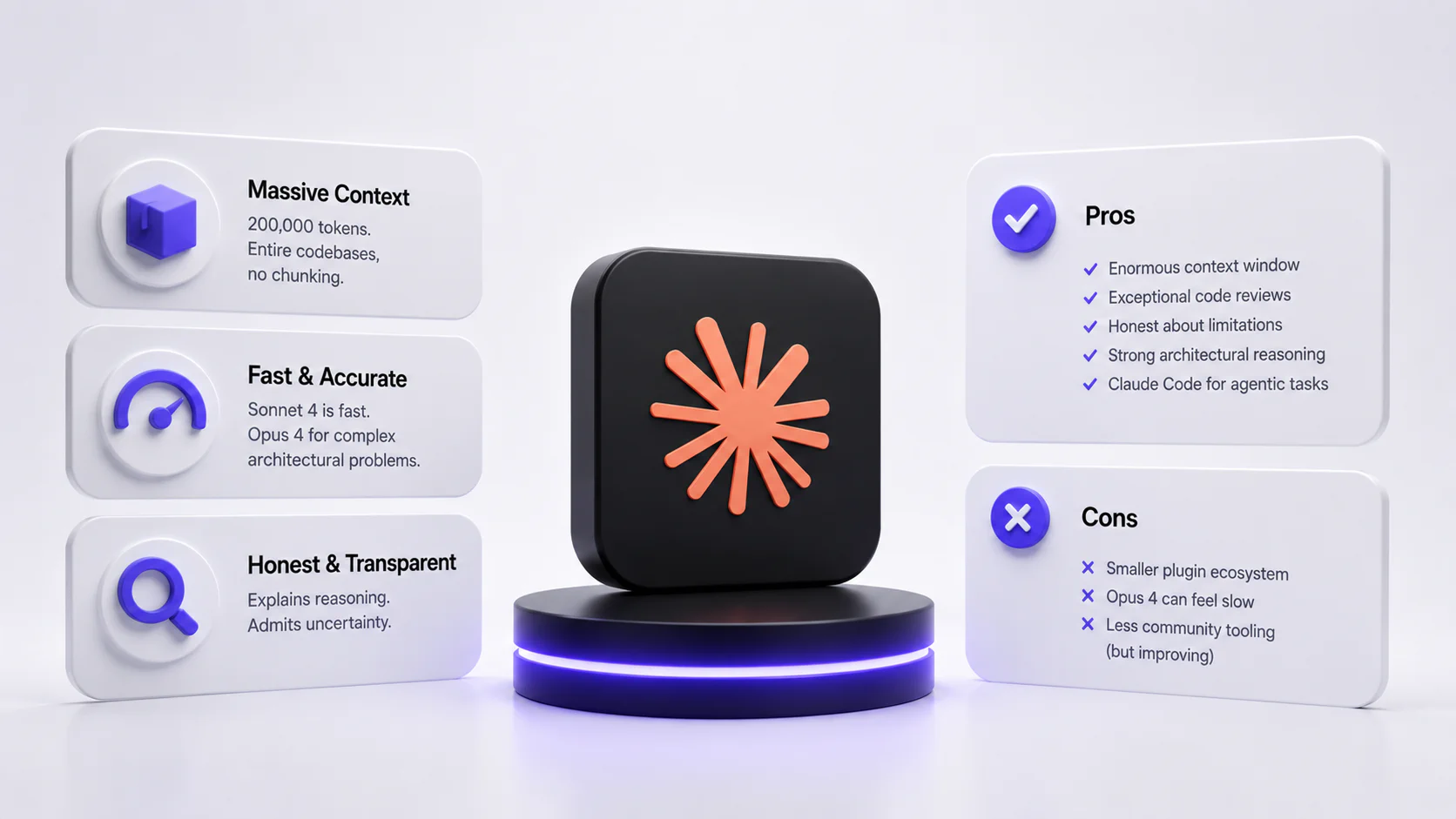
Claude’s most talked-about feature among developers right now is its context window - 200,000 tokens in the most recent versions. That’s not a marginal improvement. Practically, it means you can drop in an entire codebase, ask Claude to trace a bug through 15 files, or have it review a large PR in one shot. No chunking, no “please summarize the previous part” gymnastics.
Speed and Accuracy of the Replies
Claude Sonnet 4 is fast - close to GPT-4o for most tasks. Opus 4 is slower, but the output quality for complex architectural problems is noticeably higher. For day-to-day coding assistance, Sonnet 4 is probably the right default. Accuracy is strong across Python, JavaScript, Rust, and C++; like ChatGPT, it struggles more with niche or legacy languages.
One notable quirk: Claude is more likely to tell you when it’s not sure. It might say “I’m not certain this approach is correct for your version of Rails - you should verify.” ChatGPT often just provides answers, even if they are slightly wrong. Depending on your working style, this is either reassuring or mildly annoying.
Pros & Cons
Pros: Enormous context window, exceptional code review quality, honest about limitations, strong architectural reasoning, Claude Code for agentic tasks.
Cons: Smaller plugin ecosystem compared to ChatGPT, Opus 4 can feel slow for quick tasks, less community tooling around it (though this is changing fast).
Pros Cons Deep Dive
Quick answer: ChatGPT wins on breadth and speed; Claude wins on depth and careful review; production teams often use both.
ChatGPT Strengths & Weaknesses
ChatGPT’s strength is breadth and ecosystem maturity. If you need something that plugs into existing tools, or you’re onboarding a team that needs standard integrations, ChatGPT is the safer choice. Its weakness shows up in longer, more complex sessions - it can drift, lose track of constraints established earlier, or fall back on common patterns when your problem is anything but common.
Claude Advantages & Limitations
Claude’s advantage is depth - long context, careful reasoning, honest output. Its main limitation is practical: fewer integrations, less third-party support, smaller community of developers building workflows around it. That’s shifting, but it’s real in 2026.
When ChatGPT Outperforms Claude
- Generating boilerplate for popular frameworks quickly
- Tasks that need in-session Python execution
- Workflows that depend on third-party plugins or GPT-specific integrations
- When you need consistent speed across a high volume of small tasks
Scenarios Favoring Claude
- Large codebase review and refactoring across many files
- Detailed code review with explanatory feedback
- Architectural discussions where you need the model to “hold” a complex system description
- Agentic coding tasks via Claude Code in the terminal
- Security-sensitive code where you want the model to flag risks proactively
Hybrid Usage Strategies
A lot of experienced developers in 2026 aren’t choosing one - they’re routing by task type. Claude for deep context work and review; ChatGPT for quick generation and tasks that need integrations. It’s a bit of extra overhead, but the output quality improvement is real enough that people stick with it.
Free Tier Limitations
Neither tool’s free tier is particularly generous for serious coding work. ChatGPT Free gives access to GPT-4o with rate limits that kick in quickly if you’re doing anything intensive. Claude.ai Free offers Sonnet 4 access with similarly limited throughput.
The real constraint isn’t just message count - it’s context. Heavy coding sessions with large files will hit limits fast on either platform. If you’re doing professional development work, the free tiers are essentially for evaluation, not production use.
Pro Plans Value
ChatGPT Plus runs $20/month and gives priority access to GPT-4o and the o-series models. Claude Pro is also $20/month with higher usage limits and access to both Sonnet and Opus. For teams, both offer business plans with higher rate limits and admin controls.
For individual developers: both Pro plans are genuinely worth it if you use the tools daily. The speed and limit improvements over free tiers are substantial. If you’re choosing one, the decision probably comes down to which workflow you rely on more - integrations (ChatGPT) or context depth (Claude).
Code Quality Evaluation
Clean Code Writing Standards
Both models produce reasonably clean code by default. Claude tends toward more conservative patterns - less “clever,” more readable. ChatGPT is sometimes more willing to use compact syntax, which can be either elegant or cryptic depending on context. Neither model writes truly bad code for standard tasks; the differences are in edge cases and consistency over long sessions.
Variable Naming Conventions
Claude generally follows language-specific conventions more consistently. In Python, it defaults to snake_case; in JavaScript, camelCase. ChatGPT does too, but in long sessions it occasionally drifts or produces mixed conventions when combining multiple code snippets. Small thing, but annoying to clean up.
Code Structure and Readability
Claude writes more comments and tends to break complex functions into smaller pieces unprompted. ChatGPT produces denser code more often. For team environments prioritizing readability, Claude’s style is easier to onboard with. For speed-of-prototyping, ChatGPT’s density is sometimes a feature.
Speed and Efficiency Factors
Response Time Comparison
GPT-4o and Claude Sonnet 4 are roughly comparable for medium-length requests - a few seconds for a function, maybe 10-15 for a full file review. The divergence comes at extremes: very short tasks (ChatGPT edges ahead), very long complex tasks (Claude holds quality better, sometimes at the cost of a few seconds).
API Latency in Production
The providers are similar in terms of standard request latency, both when using the API and the chat interface. Anthropic invested heavily in its API infrastructure in 2025-2026, while Claude has significantly improved its API latency since 2024. OpenAI’s API is better tested, has published latency information, and a larger community database.
Batch Processing Capabilities
Both APIs allow for large-scale batch processing. OpenAI’s batch API is better documented and has been in production use for longer. The same is true for Anthropic, which has yet to achieve a comparable level of tooling ecosystem.
Real-Time Coding Assistance
For editor integrations - Cursor, VS Code Copilot-style setups - ChatGPT has broader existing integration support. Claude Code, Anthropic’s terminal-based agent, is the more interesting option for developers who want a model that can actually navigate and modify a codebase autonomously rather than just respond to prompts.
Integration Options for Devs
This is where ChatGPT still has a clear lead. The GPT ecosystem includes hundreds of integrations, extensive documentation, and years of community-built tooling. If you need something that plugs into Slack, Jira, GitHub Actions, or a dozen other services out of the box, OpenAI’s infrastructure is more mature.
Claude’s integration story is improving fast. Native integrations with Google Drive, Gmail, and Calendar exist in the consumer product. The API supports MCP (Model Context Protocol) servers, which allow Claude to connect to external services in agentic workflows. Claude Code integrates directly with the terminal and can work with Git. It’s not as broad as ChatGPT’s ecosystem, but it’s no longer a weak point - it’s just different.
2026 Version Updates and Trends
The most significant shift in 2026 isn’t a single feature - it’s that both tools have moved decisively toward agentic use cases. The era of “paste your code and get an answer” is being supplemented by models that can actually work inside a codebase, run tests, commit changes, and iterate autonomously.
Claude Code represents Anthropic’s strongest push in this direction. OpenAI has responded with its own agent-oriented tooling. The question for developers in the next 12 months isn’t really “which chatbot gives better answers” - it’s “which agent can I actually trust to operate unsupervised on my codebase.”