The best AI chatbot in 2026 depends less on benchmark headlines and more on the workflow you actually repeat every day. ChatGPT is the safest default for broad work, Claude is strongest when you need careful long-document reasoning and polished writing, Gemini fits Google Workspace, Microsoft Copilot fits Microsoft 365, and Perplexity is the cleaner choice for cited research.
Quick answer: start with ChatGPT if you want one flexible assistant. Choose Claude for long documents and writing quality, Copilot for Word/Excel/Teams workflows, Gemini for Gmail/Docs/Drive, Perplexity for source-backed answers, Jasper for brand-controlled marketing, and Grok when X-native real-time context matters.
| Need | Best chatbot type | Best first pick |
|---|---|---|
| One assistant for most tasks | General multimodal chatbot | ChatGPT |
| Long PDFs, nuanced writing, careful edits | Long-context assistant | Claude |
| Google Workspace work | Workspace assistant | Gemini |
| Microsoft 365 documents and meetings | Enterprise productivity assistant | Microsoft Copilot |
| Cited research and current events | AI search/research engine | Perplexity |
| Marketing campaigns at scale | Brand/content platform | Jasper |
| Coding help and prototypes | Coding-capable assistant | ChatGPT or Claude |
Source check — June 4, 2026: chatbot plans, limits, and model access change fast. This guide checks live vendor pages such as ChatGPT pricing, Claude plans, Microsoft 365 Copilot pricing, and Perplexity pricing, then avoids treating temporary model names or promo limits as permanent facts.
For direct matchups, read Claude vs ChatGPT, Microsoft Copilot vs ChatGPT, Perplexity vs ChatGPT, and Grok vs ChatGPT. If writing is the only use case, use the focused best AI chatbot for writing guide.
Quick Buying Guide: Pick the Best AI Chatbots by Constraints
Before you commit, check these 3 factors. They trip people up more than feature lists.
Privacy and Data Use
Treat anything you upload as retained unless the product docs or your contract states otherwise.
On many consumer plans, the default can include data retention, model improvement, or both, and you may need to opt out to stop it.
Business and enterprise tiers tend to spell terms out more clearly and add governance features like admin consoles, audit logs, and compliance add-ons.
Research and browsing tools also tend to capture more telemetry than people assume, so read the data policy before you use them for confidential material.
When privacy is non-negotiable, select a business or enterprise tier that explicitly states “no training on customer data,” then pair it with SSO and admin controls to enforce it.
Cost Reality
$20 per month is the consumer norm, but team costs can climb fast.
Watch for:
- Seat-based pricing
- “Unlimited” plans with practical caps or slowdowns
- Higher-capacity tiers that jump to $100 to $200 per month
- Separate API billing, even if the web app is “unlimited.”
For team purchases, compare total seat cost, usage limits, admin controls, retention terms, and support.
Integrations
Match the chatbot to your existing stack, or you will not use it consistently.
- Google Workspace, Gemini
- Microsoft 365, Copilot
- Heavy web research, Perplexity
- Maximum flexibility across tools, ChatGPT
Mini Reviews: The Most Popular AI Chatbots
Use this list of AI chatbots to learn more about your leaders from the previous sections.
ChatGPT by OpenAI
For detailed head-to-head comparisons, see Claude vs ChatGPT, ChatGPT vs Perplexity, and Grok vs ChatGPT.
Best For: The Swiss Army knife — writing, coding via Codex, analysis, images via DALL-E, voice, and video via Sora (Plus subscribers).
Day-to-day: Medium effort. Outputs can run long, and you should verify factual claims.
Try This (10 min): Drop in a rough draft, specify tone and word count, ask for three alternative openings. Pick the best one and iterate. Then generate a header image via DALL-E.
Pros: Broadest feature set — 800 million weekly users rely on it. Excellent voice mode. Massive custom GPT library. Built-in image and video generation. Own browser Atlas with an AI assistant to automate tasks within the browser. Business tiers include admin controls, SAML SSO, SOC 2 compliance, and guaranteed data isolation.
Cons: Feature access varies by plan and region. Plugin and add-on quality can vary.
Pricing: Free plan is availabe. Go ($8/month): GPT-5.2 Instant with ads. Plus tier ($20/month): more models, no ads. Business plan ($25/user/month annual) adds enterprise security. For details on upcoming capabilities, see GPT-5.4.
Claude by Anthropic
Best for: Long documents, careful writing, code review, and strict instruction-following.
Day-to-day: Low effort. It usually delivers cleaner first drafts and maintains consistency across extended sessions.
Try This (10 min): Upload a long report or article. Ask Claude to extract 5–7 key insights, then turn them into a slide outline or speaking notes. Use Cowork (Pro+ feature) to autonomously organize and analyze multiple files.
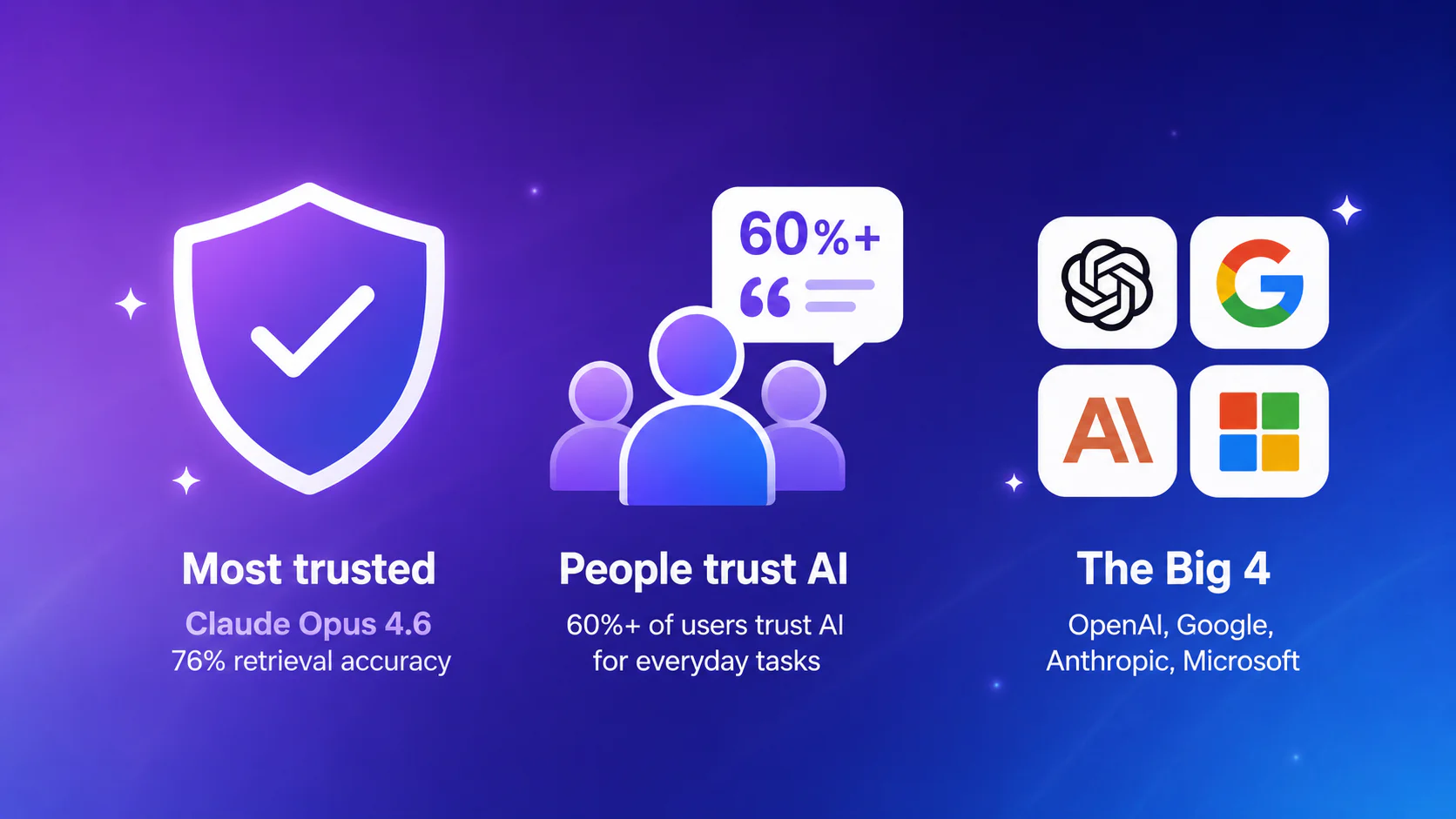
Pros: 1 million token context window with 76% retrieval accuracy (vs 18.5% for prior generation). Claude Code with multi-agent coordination. Cowork handles multi-step tasks autonomously. 128K output tokens for comprehensive responses.
Cons: Smaller ecosystem than ChatGPT. Updates less frequently. Occasionally plays it too safe. Consumer policy uses chats for training unless you opt out.
Pricing: Limited free tier (30-100 messages/day). Pro ($20/month) provides 5x capacity, all models, including Opus 4.6. Max 5x ($100/month) for 5x Pro capacity; Max 20x ($200/month) for 20x Pro.
Google Gemini
Best for: People who live in Google Workspace and want AI inside Docs, Gmail, and Drive.
Day-to-day: Medium effort. Best when used as a workflow accelerator inside Google tools.
Try this (10 min): Highlight a paragraph in a Doc and request a clarity rewrite. Then draft a Gmail reply using thread context.
Pros: Best free tier in the market. True multimodal processing (images, video, audio). Seamless Google integration.
Cons: Quality varies on nuanced requests. Less consistent than Claude for deep work. Data is tied to your Google account; workspace admins must configure sharing and retention settings.
Pricing: Very generous free tier. Advanced ($20/month) is sold as part of a Google One AI Premium subscription, effectively bundling Gemini with extra Google services like increased storage and other account benefits. Gemini for Workspace is a paid add-on for organizations.
Microsoft Copilot
Best for: Teams that run on Microsoft 365 and want AI embedded in Office apps.
Day-to-day: Medium effort. Strong in Word and Teams, helpful for Excel formulas and summaries when your data is well organized.
Try this (10 min): Turn bullet points into a memo in Word, generate an Excel formula from plain English, summarize a Teams transcript into actions.
Pros: Native Office embedding means zero workflow disruption. Enterprise-grade security inherited from 365 contracts. Deep integration across Word, Excel, PowerPoint, Outlook, and Teams.
Cons: Quality varies across apps — better in Word than Excel, better in Excel than PowerPoint. Requires M365 subscription plus Copilot add-on. Less flexible for non-Office tasks.
Pricing: There’s a very limited free experience. Copilot Pro is $30/month for individuals. Copilot for Microsoft 365 is an add-on with per-seat pricing for organizations.
Perplexity AI
Best for: Research, competitive analysis, and fact-finding where verification matters.
Day-to-day: Low effort. Citations make it faster to validate claims and share sources with stakeholders.
Try this (10 min): Ask a work-relevant research question, then follow up with “show only primary sources” or “summarize the opposing view.”
Pros: Real-time web search built into every query. Automatic citations with clickable sources. Excellent for current events and factual questions. File uploads and image uploads on Pro+. Ability to search your inbox and other files in popular cloud storage services. Own browser Comet with an AI assistant to automate tasks within the browser.
Cons: Not built for creative work. Narrower feature set than general chatbots. Privacy tracking is extensive (Google Analytics, Mixpanel, cookies); review policy for corporate use.
Pricing: Free tier with daily limits. Pro ($20/month or $200/year) unlocks unlimited Pro Searches. Max ($200/month) for unlimited advanced models. Enterprise Pro ($40/seat/month); Enterprise Max ($325/seat/month).
Jasper AI
Best for: Marketing teams that ship lots of content and need tight brand consistency.
Day-to-day: Low effort for structured marketing work. Collaboration plus approval workflows speed up reviews.
Try this (10 min): Set up a brand voice profile, then generate five ad variants, three subject lines, and a landing page hero section.
Pros: Marketing-optimized features that general chatbots lack. Brand voice memory that persists across sessions. Campaign templates for common content types. Analytics for content performance.
Cons: Per-seat pricing adds up fast. Overkill if you’re not doing marketing. Works best for structured content, not freeform writing.
Pricing: No real free tier. Team plans start around $69/month per seat. Business plan with custom pricing for enterprise features.
Other Top AI chatbots to Watch
These are not yet daily drivers for most people, but they are worth knowing about.
Grok (xAI)
Native to X, it works well for trend tracking and social context. It’s a top choice for analyzing tweets on specific topics. It’s also known to give less filtered responses. Best treated as a secondary tool.
DeepSeek AI
Strong mathematical and code reasoning on benchmarks; open-weight models available for self-hosting. Opaque privacy; banned in some countries. Best for sandboxed experimentation only. Concerned about AI’s impact on software development? Learn more in will AI replace programmers.
Your Next Move
This Week
Build a three-prompt starter library for your most common tasks. For example:
- email rewrites
- meeting summaries
- one role-specific workflow
Keep a verification checklist for sources, numbers, quotes, and claims that affect decisions. Students and learners should check out best AI tools for students to maximize productivity while studying.
This Month
Use custom GPTs in ChatGPT, Spaces in Perplexity, or Projects/Skills in Claude to save the best prompts you need every day.
Ongoing
Improve your prompts and experiment with what is possible with every new model. Some tasks that weren’t possible before might at some point be a breeze.
Tip: If you want more structure or if you tried ChatGPT (tool of your choice) a few times but still feel “I’m not using this right,” frame the next step as training, not browsing. The Coursiv 28-Day AI Certificate Program Challenge works like an “AI gym” routine: short lessons plus daily missions that turn a tool into a habit.
Frequently Asked Questions About AI Chatbots in 2026